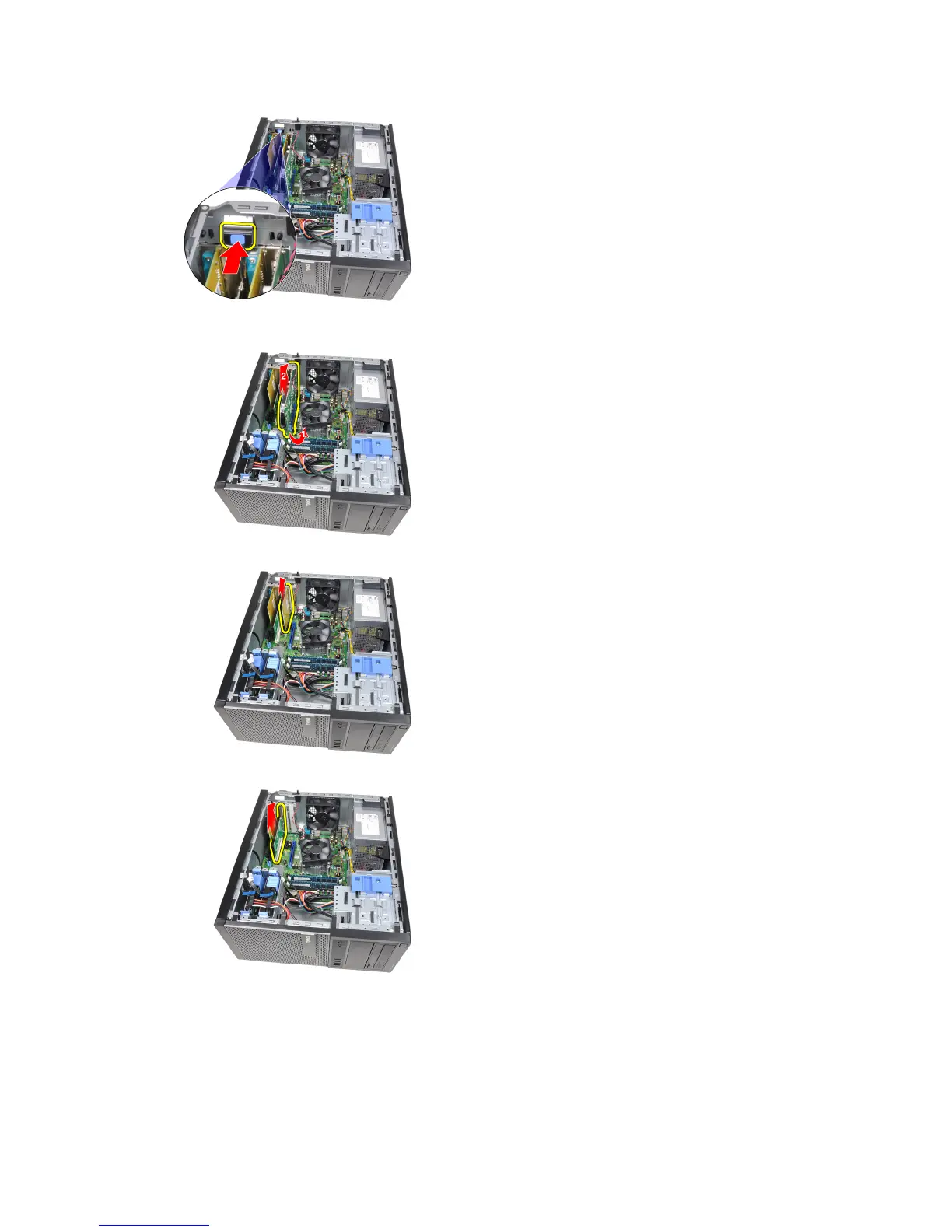
4. Pull the release lever away from the PCIe x16 card to release the securing tab from the dent in the card. Then, ease
the card up and out of its connector and remove it from the computer.
5. Lift the PCIe x1 expansion card (if any) up and out of its connector and remove it from the computer.
6. Lift the PCI expansion card (if any) up and out of its connector and remove it from the computer.
7. Lift the PCI x4 expansion card (if any) up and out of its connector and remove it from the computer.
11











 To Next Page