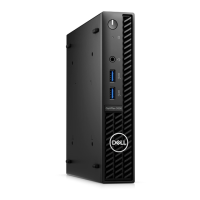
OptiPlex Micro Wall Mount
Steps
1. Follow the instructions in Before working inside your computer.
2. Place the VESA mount on the wall.
3. Install the four self-tapping screws (M4x13) to secure the VESA mount to the wall.
4. Install the two screws (M3x6) to secure the AC adapter sleeve to the VESA mount.
3
8 OptiPlex Micro Wall Mount






 To Next Page