Procedure
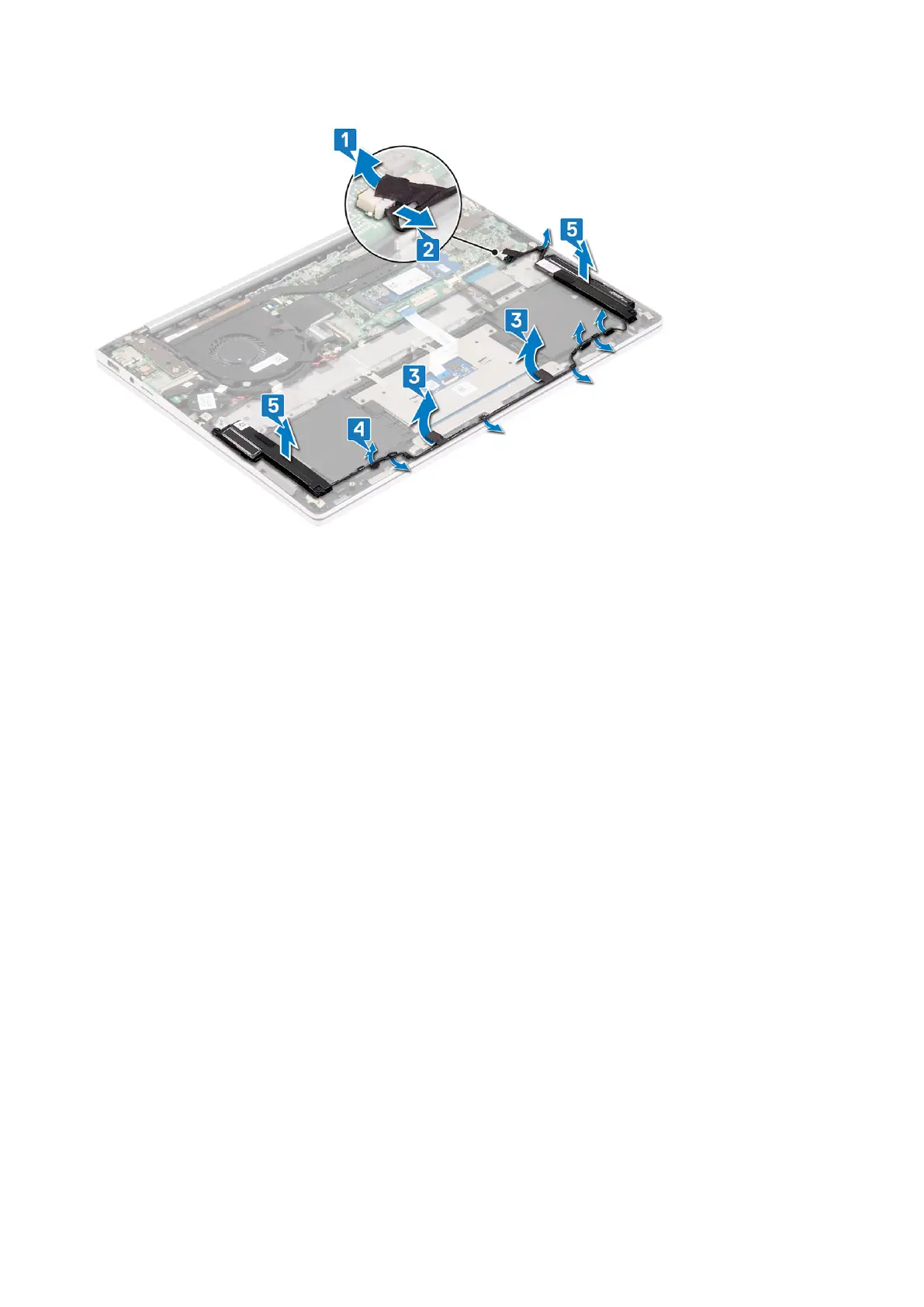
1. Peel off the tapes that secures the speaker cable to the touchpad bracket.
2. Remove the three screws (M1.6x2) that secure the touchpad bracket to the palm-rest assembly.
3. Lift the touchpad bracket off the palm-rest assembly.
4. Open the latch and disconnect the touchpad cable from the touchpad and peel the touchpad cable off the palm-rest
assembly.
5. Peel off the tapes that secure the touchpad to the palm-rest assembly.
6. Remove the two screws (M1.6x2) that secure the touchpad bracket to the palm-rest assembly.
7. Lift the touchpad off the palm-rest assembly.
Removing the touchpad
41



 To Next Page