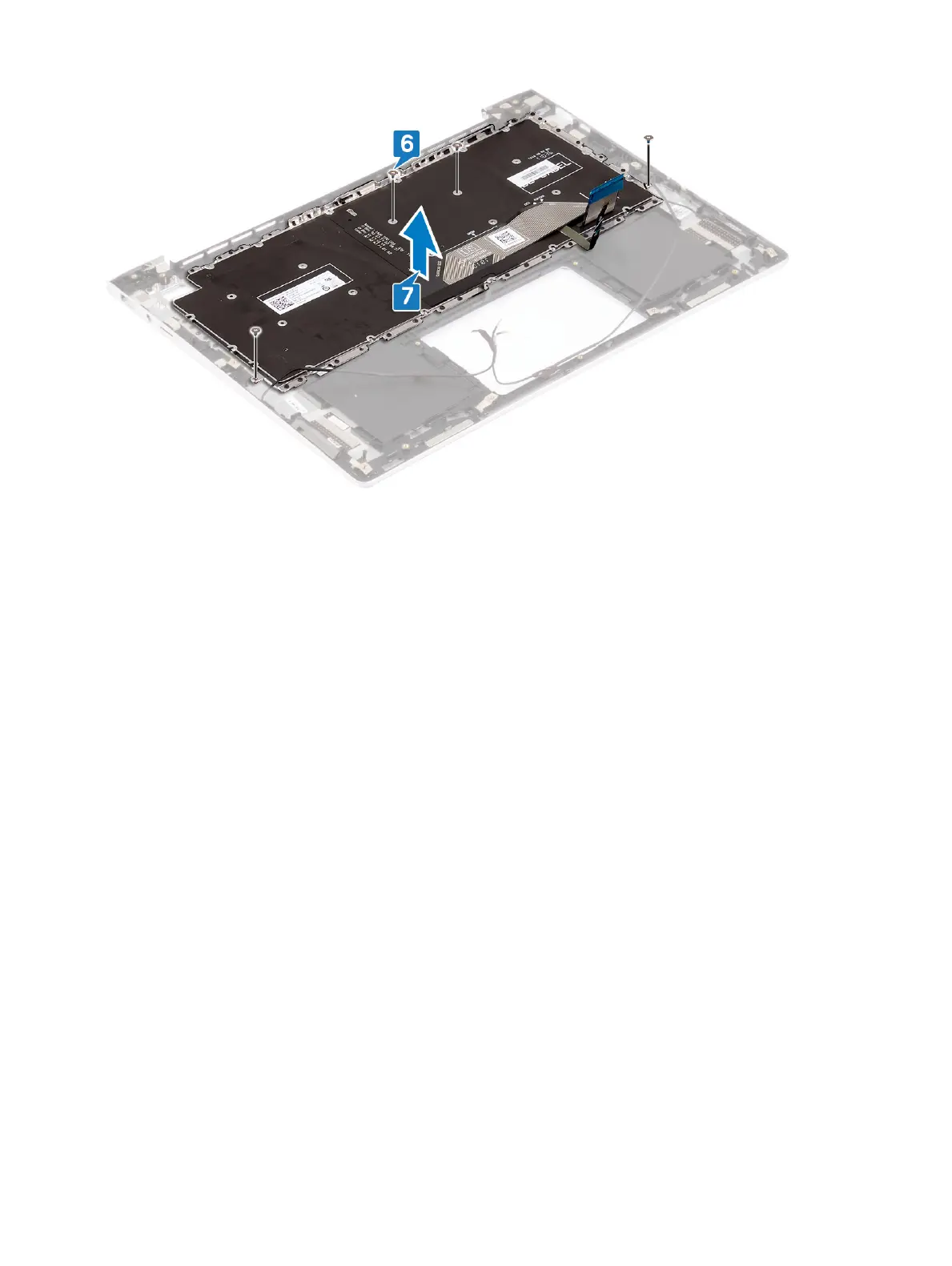
12. Connect the speaker cable to the system board.
13. Adhere the tape that secures the speaker cable to the connector.
14. Connect the power-adapter port cable to the system board.
15. Adhere the tape that secures the display cable to the system board.
16. Slide the display cable to the system board and close the latch to secure the cable.
17. Adhere the tape that secures the display cable to the system board.
18. Close the left display hinge.
19. Replace the three screws (M2x3.5) that secure the left display hinge to the system board.
Replacing the system board
57



 To Next Page