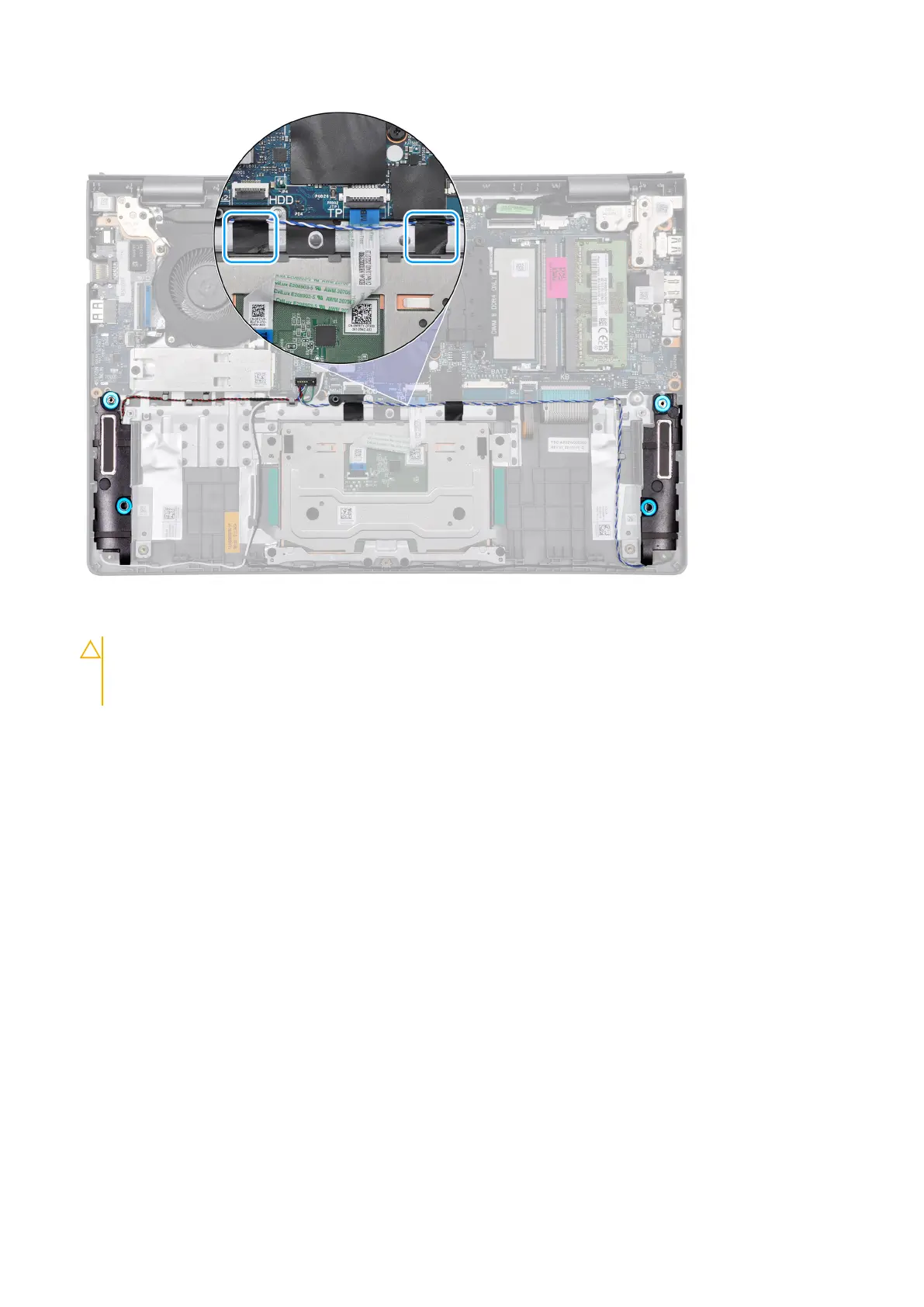
3. Secure the speaker cable in place with mylar tape.
4. Route the speaker cable through the routing guides on the palm-rest and keyboard assembly.
CAUTION:
When routing the speaker cable adjacent to the left speaker, route it to the left of the battery screw hole at
the bottom-right corner of the palmrest.
Removing and installing Field Replaceable Units (FRUs) 67



 To Next Page