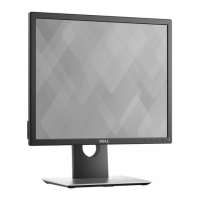
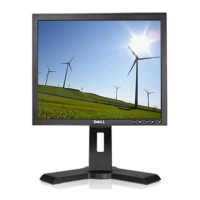
Dell P170S/P190S Flat Panel Monitor
file:///S|/SSA_Proposal/P170S_P190S/UG/internet.htm[7/8/2011 4:47:44 PM]
Back to Contents Page
Setting Up Your Monitor
Dell™ P170S/P190S Flat Panel Monitor
If you have a Dell™ desktop or a Dell™ portable computer with
internet access
1. Go to http://support.dell.com, enter your service tag, and download the latest driver for your graphics card.
2. After installing the drivers for your Graphics Adapter, attempt to set the resolution to 1280x1024 again.
NOTE: If you are unable to set the resolution to 1280x1024 , please contact Dell™ to inquire about a Graphics Adapter
that supports these resolutions.
Back to Contents Page


 To Next Page