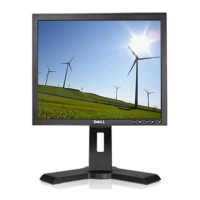
Dell P170S/P190S Flat Panel Monitor User's Guide
file:///S|/SSA_Proposal/P170S_P190S/UG/about.htm[7/8/2011 4:49:51 PM]
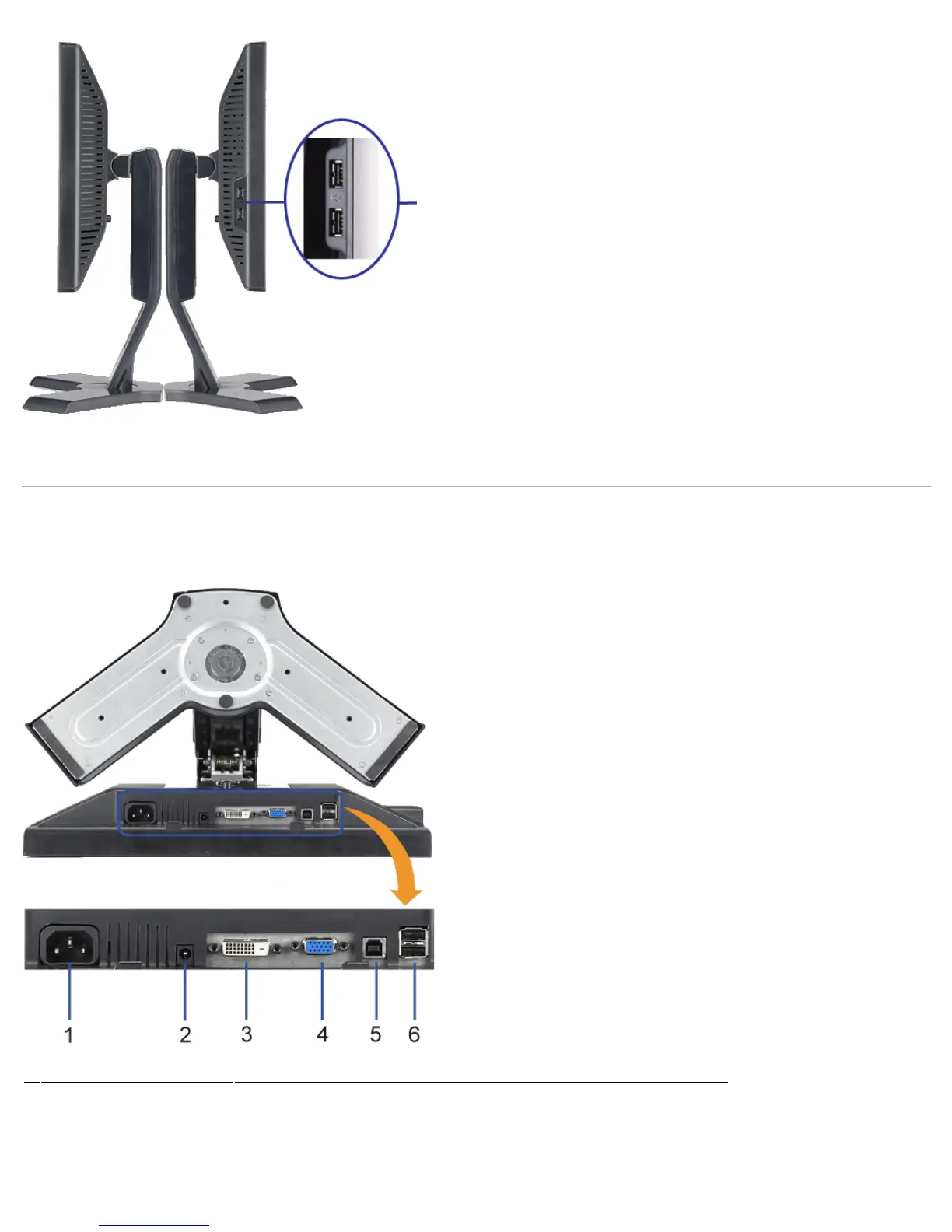
USB
connectors
(downstream)
Right side Left side
Bottom View
Bottom view
Label Description
1 Power connector Insert the power cable.
2 Dell Soundbar power connector Connect the power cord for the Soundbar (optional).
3 DVI connector Connect your computer DVI cable.
4 VGA connector Connect your computer VGA cable.


 To Next Page