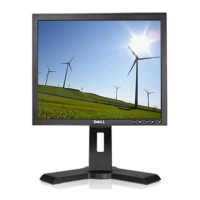
Dell P170S/P190S Flat Panel Monitor User's Guide
file:///S|/SSA_Proposal/P170S_P190S/UG/setup.htm[7/8/2011 4:49:17 PM]
2. Turn on the monitor and the computer.
If your monitor displays an image, installation is complete. If it does not display an image, see Solving Problems
.
Organizing Your Cables
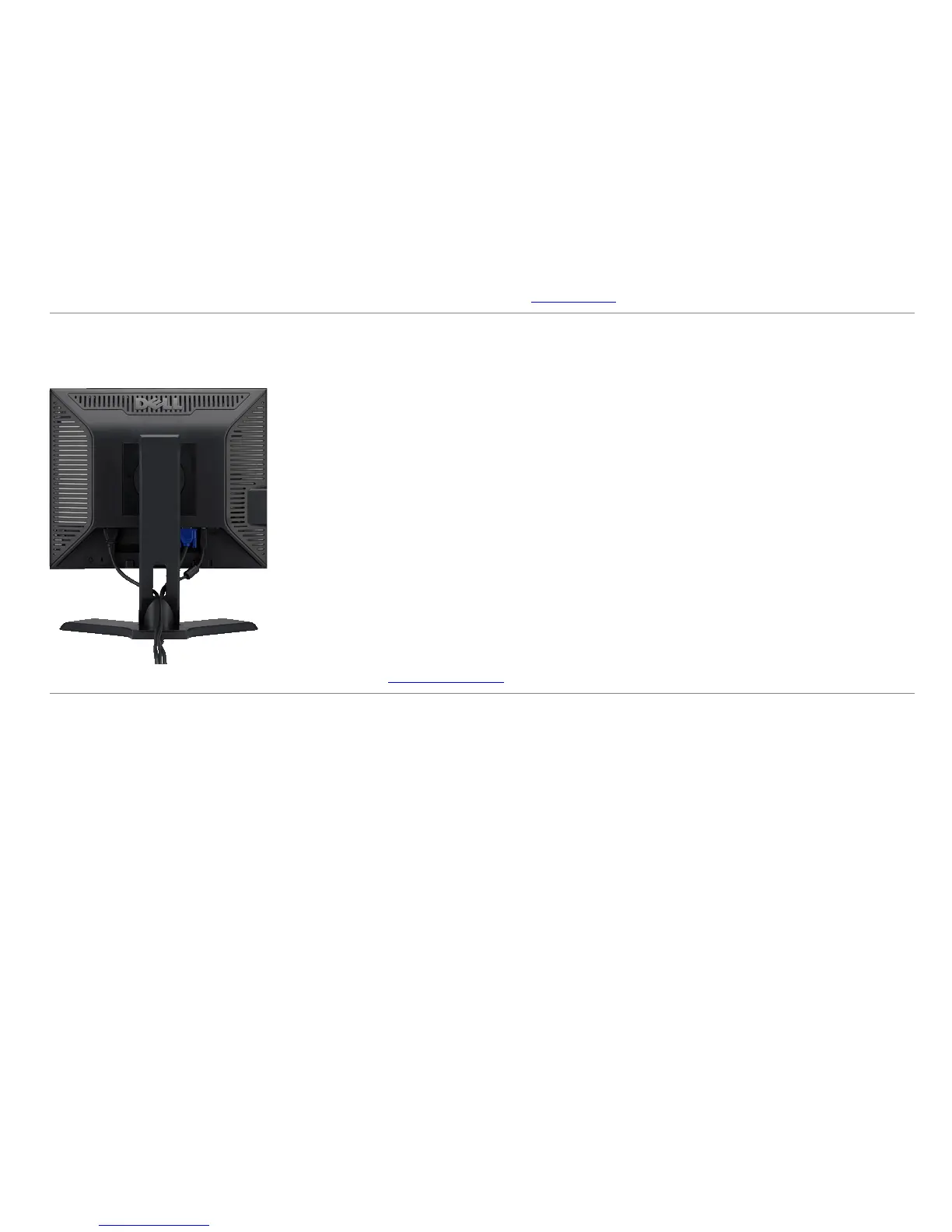
After attaching all necessary cables to your monitor and computer (see Connecting Your Monitor), use the cable management slot to organize all cables as shown above.
Attaching the Soundbar (Optional)


 To Next Page