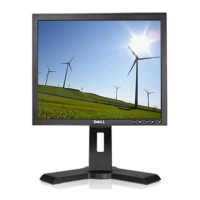
Dell P170S/P190S Flat Panel Monitor User's Guide
file:///S|/SSA_Proposal/P170S_P190S/UG/setup.htm[7/8/2011 4:49:17 PM]
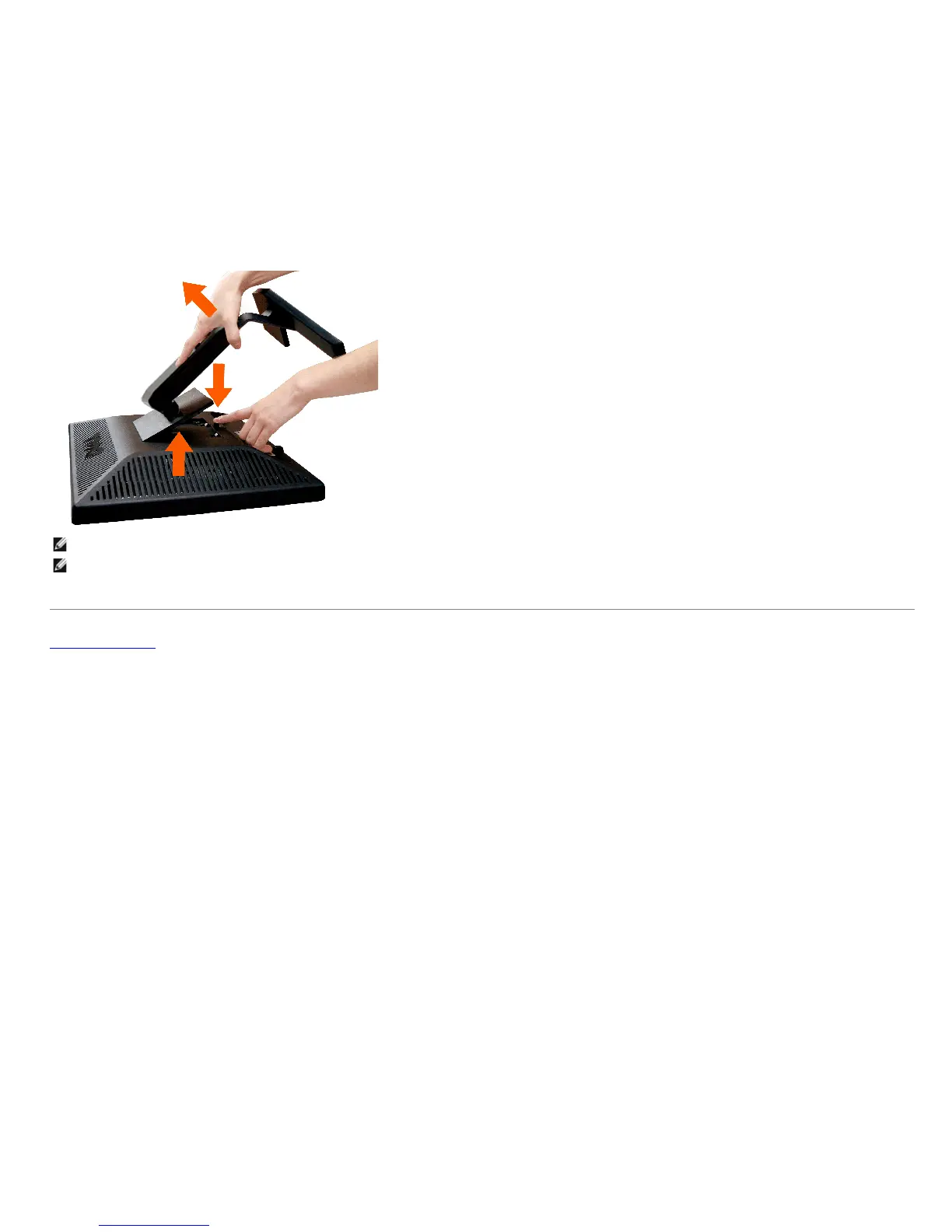
NOTE: To prevent scratches on the LCD screen while removing the stand, ensure that the monitor is placed on a clean surface.
NOTE: This is applicable for a monitor with a stand. When the OptiPlex™ USFF 780/Optiplex™ SFF 980 AIO Stand is bought, please refer to the respective AIO
stand
setup guide for set up instructions.
Back to Contents Page


 To Next Page