Operating the Monitor 33
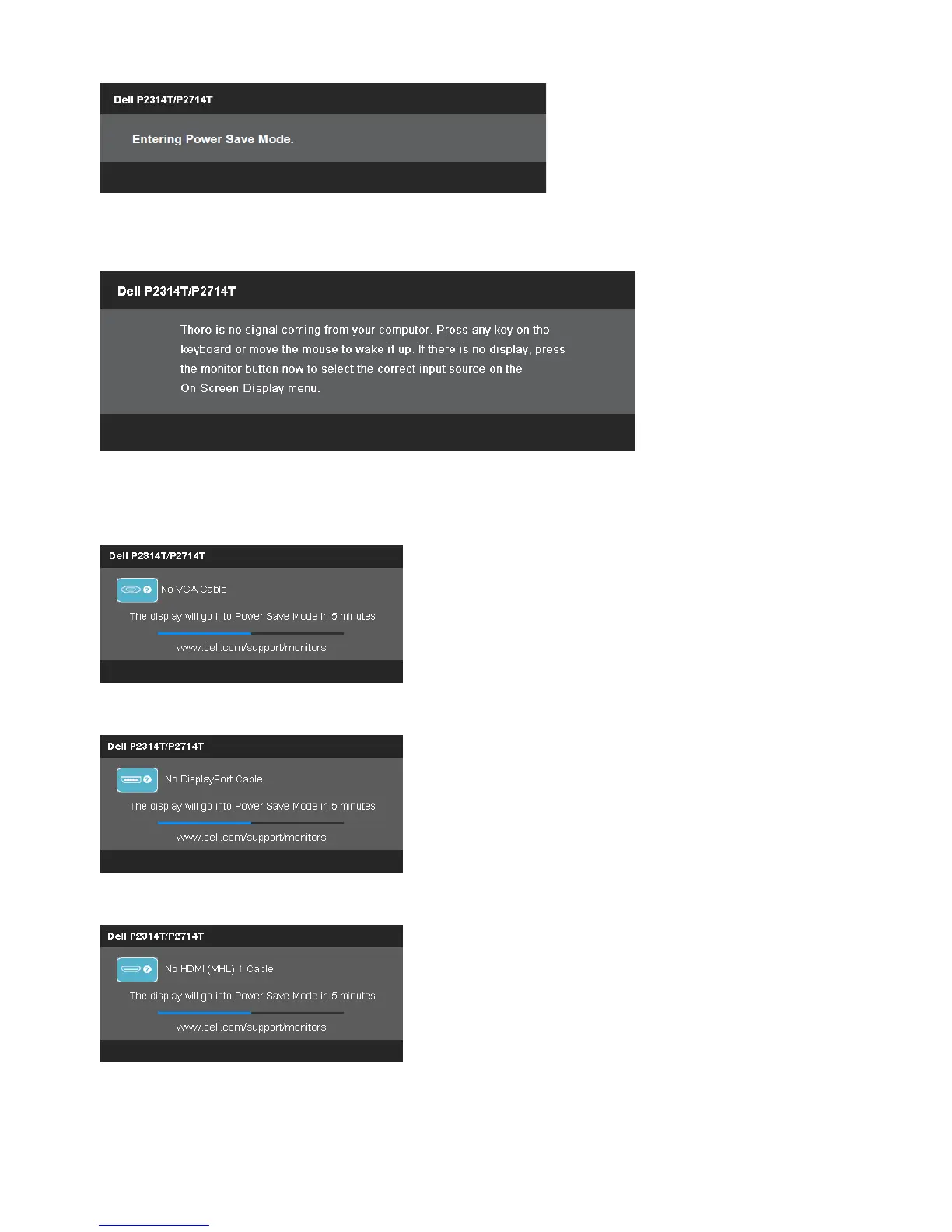
The following message is displayed when monitor enters Power Save mode.
Activate the computer and wake up the monitor to gain access to the OSD
If you press any button other than the power button, the following message appears:
If you set the input to a particular mode but the cable for that mode (VGA, DP, or HDMI)
is disconnected, one of the following messages appears, depending on the selected
input.
or
or
For help on resolving errors, see Troubleshooting.


 To Next Page