Ordering and replacing supplies
Ordering ink cartridges
Page yields available at www.dell.com/supplies. For best results, use only Dell ink cartridges.
Item
Licensed cartridge
1
Regular cartridge
Black cartridge Series 21 Series 21R
Black cartridge, high yield
2
Series 22 Series 22R
Color cartridge Series 21 Series 21R
Color cartridge, high yield
2
Series 22 Series 22R
1
Licensed for a single use only. After use, return this cartridge to Dell for remanufacturing, refilling, or recycling. To learn
more about recycling Dell products, visit www.dell.com/recycling.
2
Available only on the Dell Web site at www.dell.com/supplies.
Replacing ink cartridges
Make sure you have a new ink cartridge or cartridges before you begin. You must install new cartridges immediately
after removing the old ones or the ink remaining in the printhead nozzles may dry out.
1 Turn on your printer.
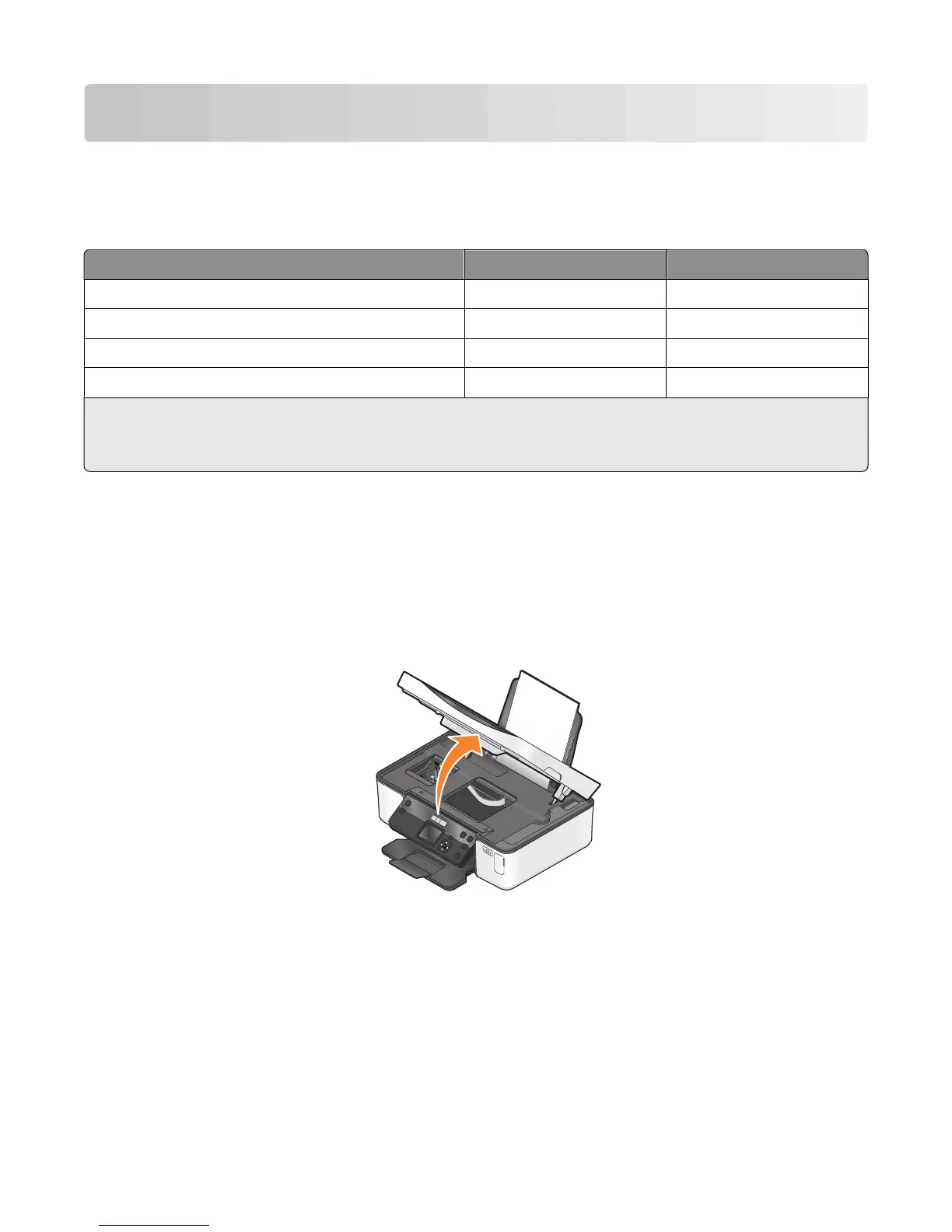
2 Open the printer.
Note: The printhead moves to the cartridge installation position.
Ordering and replacing supplies
11













 To Next Page