• If you want to set the default photo print size:
a Press the up or down arrow button to scroll to Defaults, and then press .
b Press to select Photo Print Size.
c Press the up or down arrow button to select the default photo print size for the printer, and then press
.
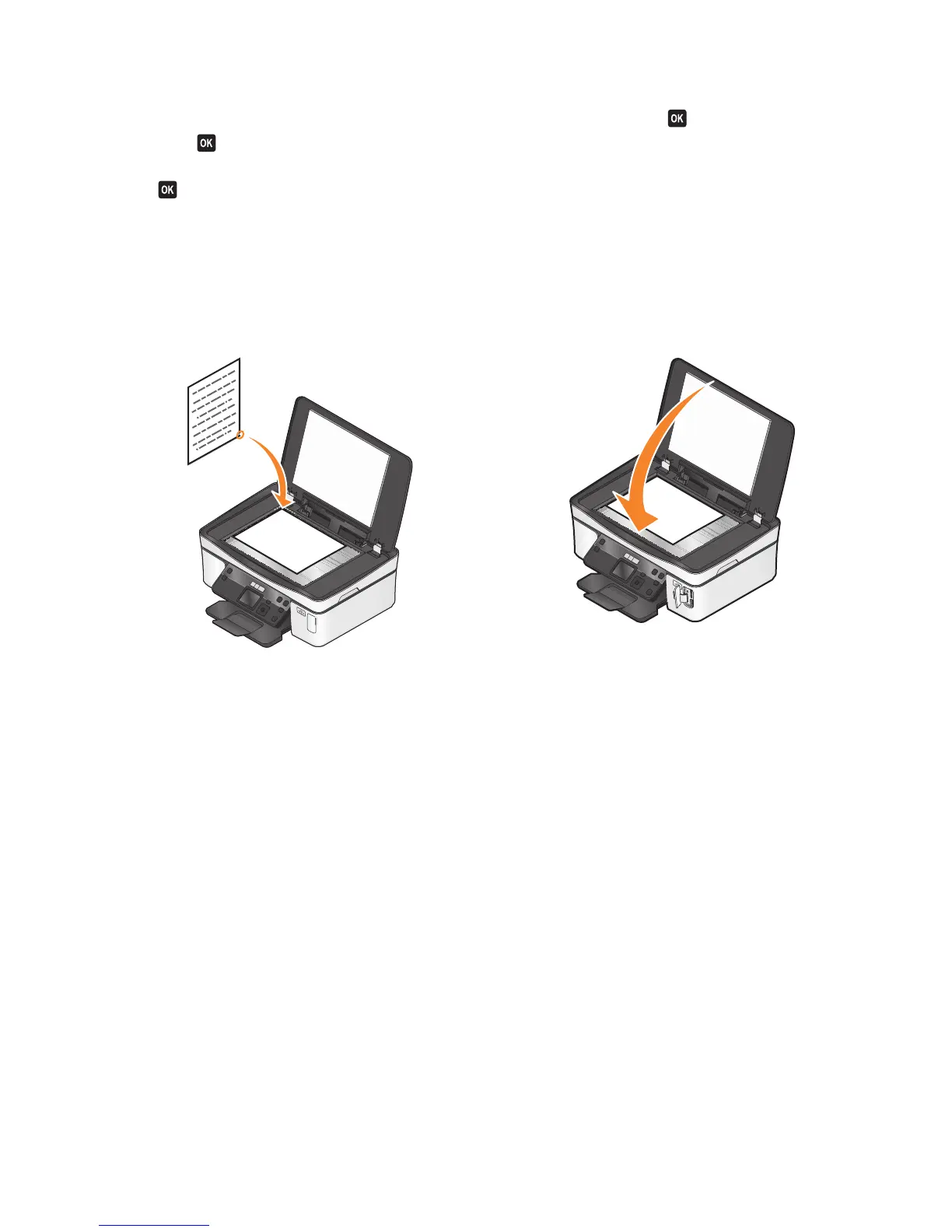
Loading original documents on the scanner glass
1 Open the scanner lid and place the document facedown on the scanner glass.
2 Close the scanner lid.
Loading paper and original documents
24













 To Next Page