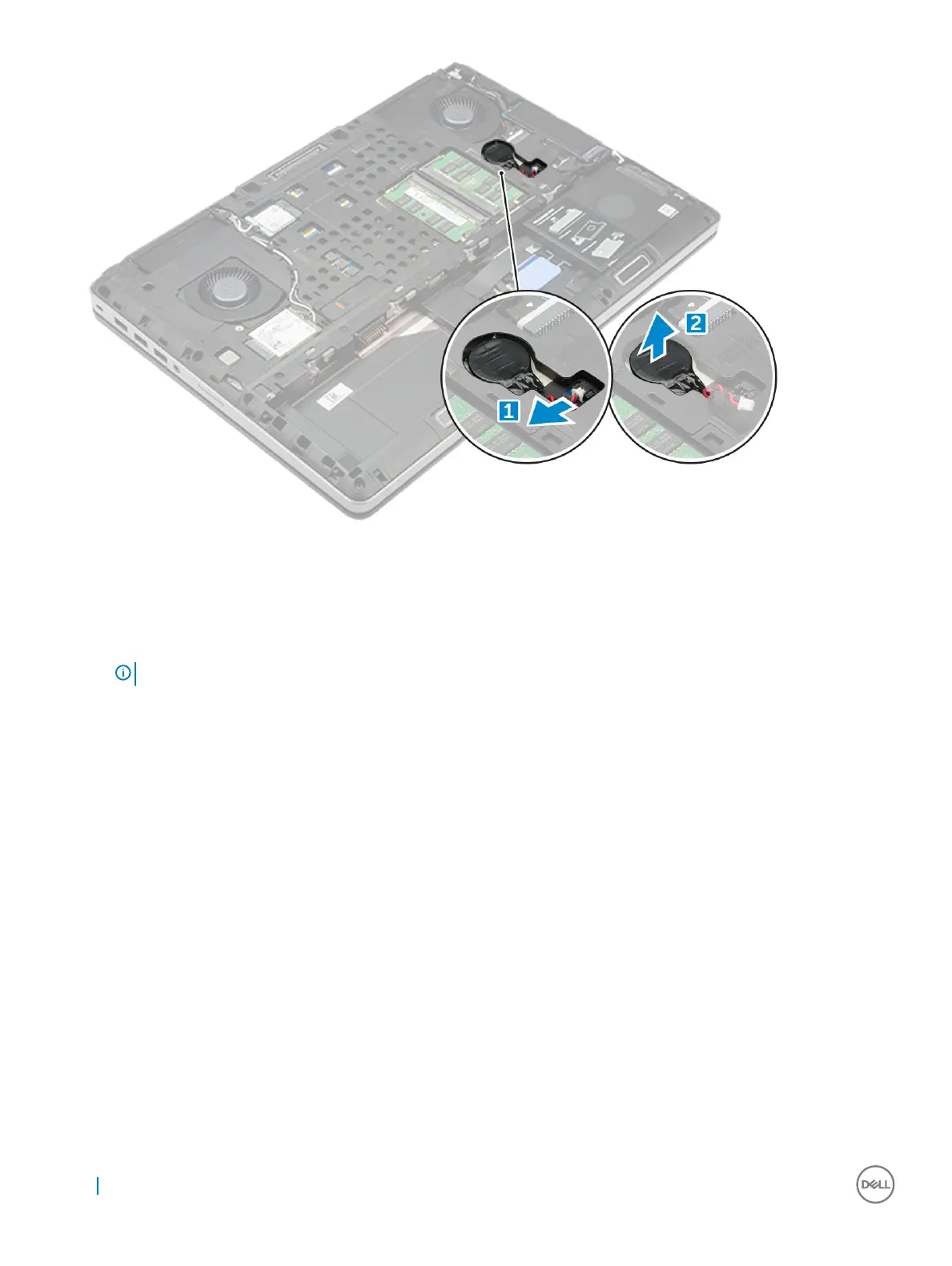
Installing the coin cell battery
1 Replace the coin cell battery in its slot on the computer.
2 Connect the coin cell battery cable to the comupter.
NOTE
: Ensure that the coin cell battery cable does not protrude outside its compartment.
3 Install the:
a base cover
b battery
c battery cover
4 Follow the procedure in After working inside your computer.
18
Removing and installing components



 To Next Page