• Intel Core i7-6920HQ (Quad Core 2.90GHz, 3.80GHz Turbo, 8MB 45W)
• Intel Core i7-6820HQ (Quad Core 2.70GHz, 3.60GHz Turbo, 8MB 45W)
NOTE: The clock speed and performance varies depending on the workload and other variables.
Kaby Lake — 7th Generation Intel Core processors
The 7th Gen Intel Core processor (Kaby Lake) family is the successor of 6th generation processors (Skylake). It's main features include:
• Intel 14nm Manufacturing Process Technology
• Intel Turbo Boost Technology
• Intel Hyper Threading Technology
• Intel Built-in Visuals
• Intel HD graphics - exceptional videos, editing smallest details in the videos
• Intel Quick Sync Video - excellent video conferencing capability, quick video editing and authoring
• Intel Clear Video HD - visual quality and color delity enhancements for HD playback and immersing web browsing
• Integrated memory controller
• Intel Smart Cache
• Optional Intel vPro technology (on i5/i7) with Active Management Technology 11.6
• Intel Rapid Storage Technology
NOTE
: Windows 7 and 8 are not supported by systems with 7
th
generation processors
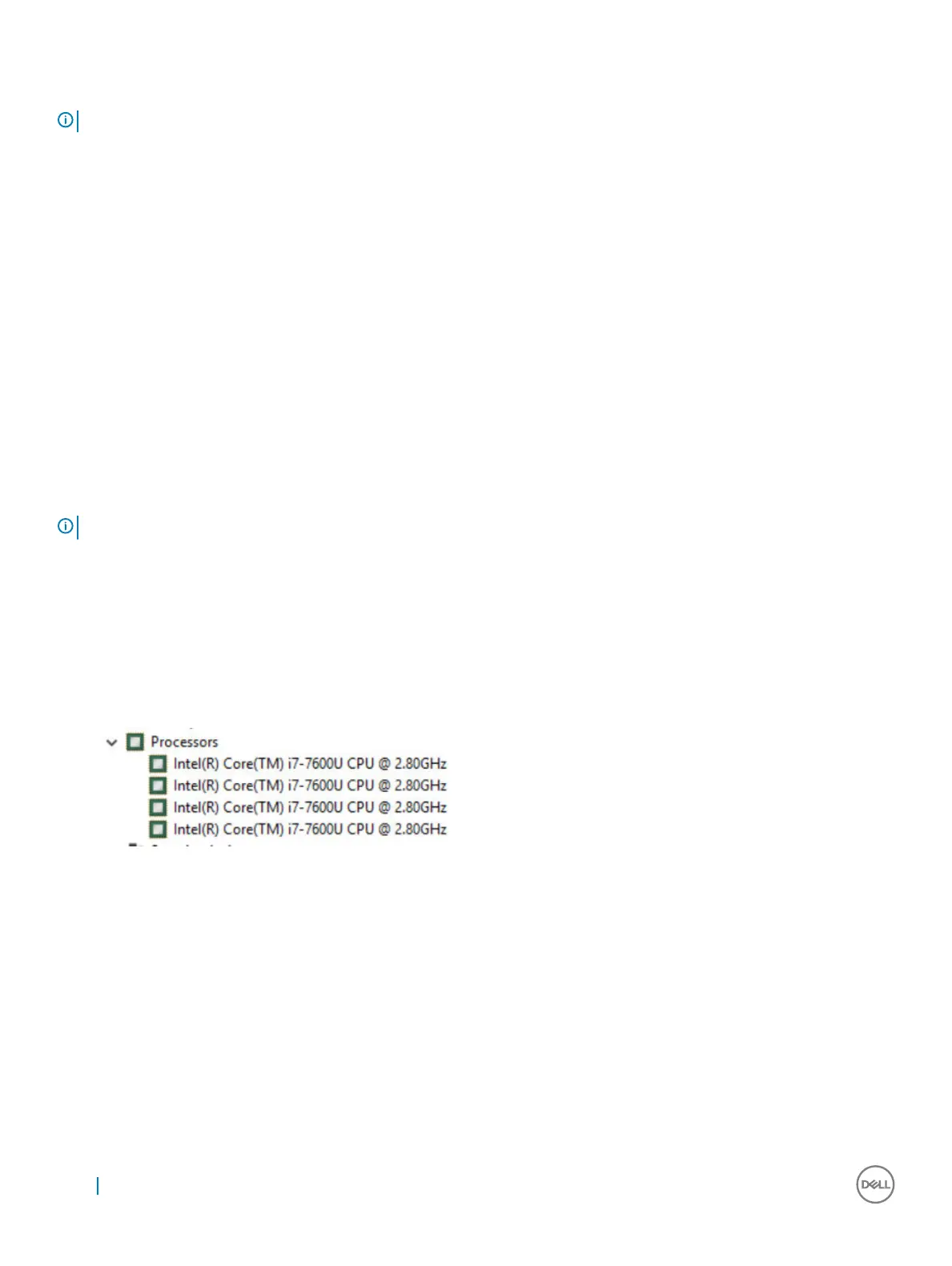
Identifying processors in Windows 10
1 Type Device Manager in Ask me anything eld.
The iDevice Manager window is displayed.
2 Click Processor.
The processor information is displayed.
Figure 1.
Verifying processor usage in task manager
1 Right click on the desktop.
2 Select Start Task Manager.
The Windows Task Manager window is displayed.
3 Click the Performance tab in the Windows Task Manager window.
20
Technology and components



 To Next Page