The PreBoot System Assessment (PSA) starts on your computer.
NOTE: If you wait too long and the operating system logo appears, continue to wait until you see the desktop. Turn o
the computer and try again.
Display
Display section details on identifying the display adapter from the display manager along with steps on how change the screen resolution. It
also contains information about connection multiple monitors.
Display options
• This laptop is shipped with 15.6-inch FHD Touch with Corning Gorilla Glass 4 (1920 x 1080) display.
• This laptop is shipped with 15.6-inch UHD Touch with Corning Gorilla Glass 4 (3840x2160) display.
Identifying display adapter
1 Type Device manager in the Ask me anything eld.
The Display Manager window is displayed.
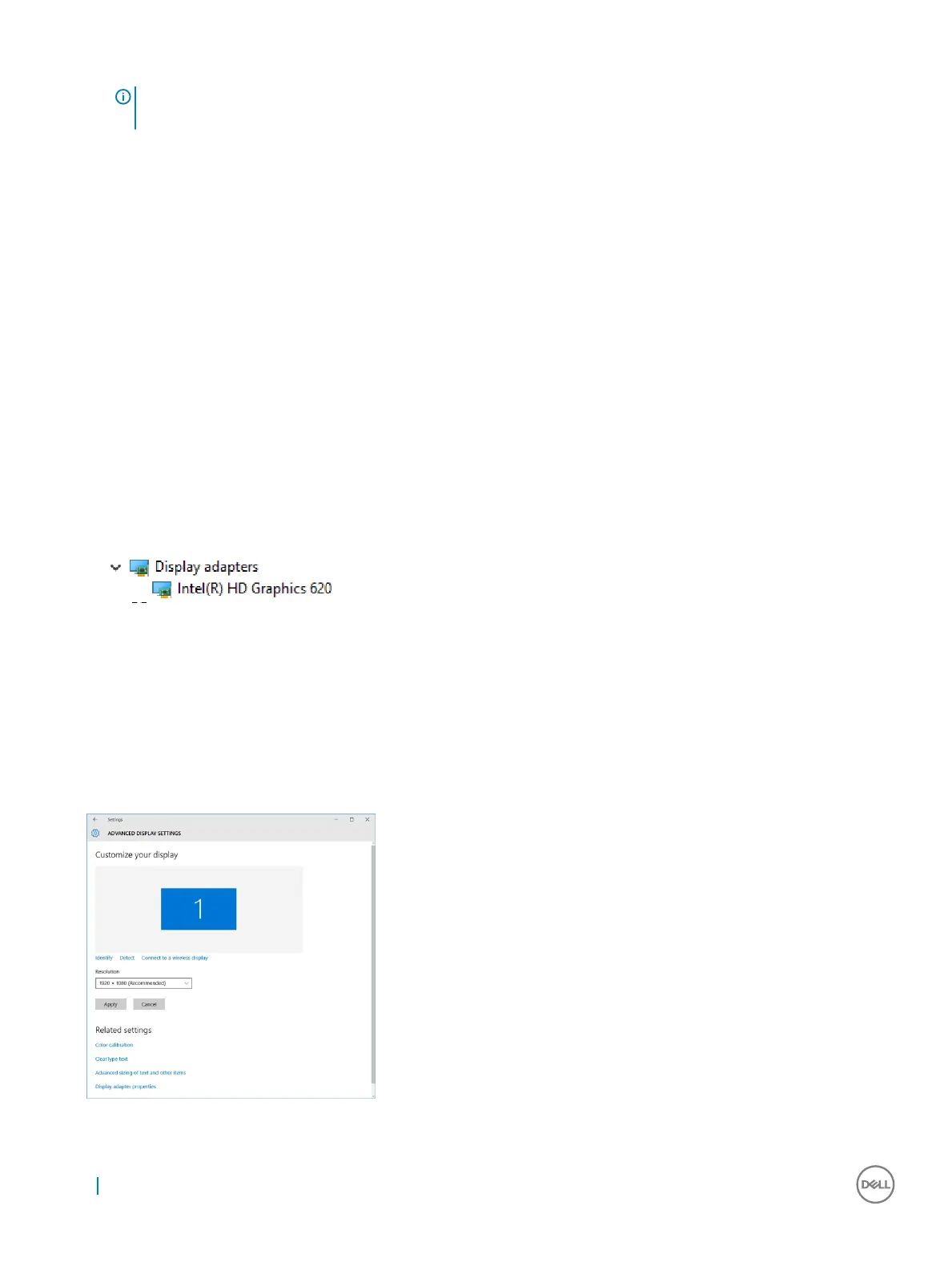
2 Expand the Display adapters.
The display adapter information is displayed.
Figure 2. display adapter
Changing the screen resolution
1 Right click on the desktop and select Display Settings.
2 Tap or click the Advanced display settings.
3 Select the required resolution from the drop-down list and tap Apply.
24
Technology and components



 To Next Page