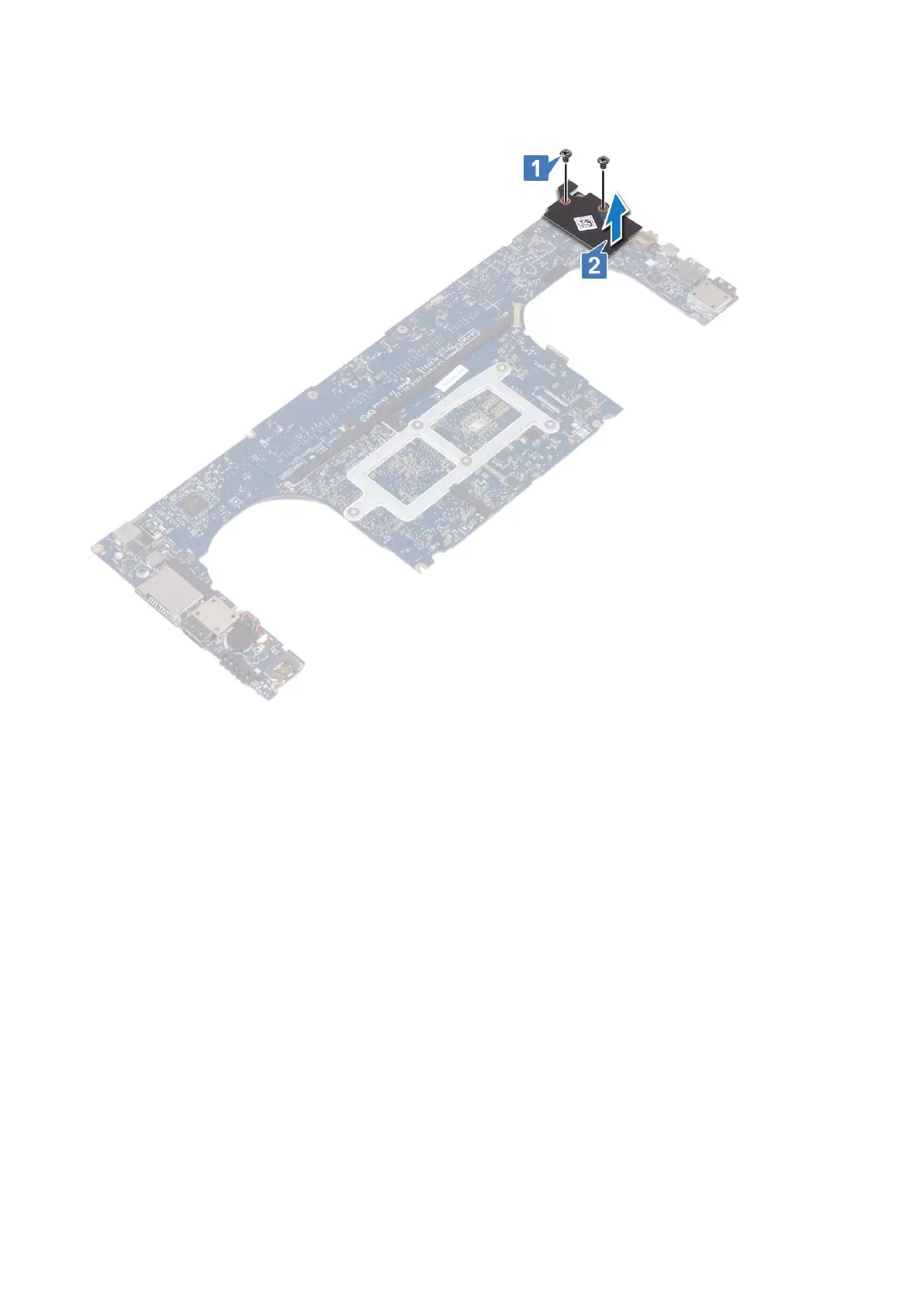
b. Remove the M2x3 (2) screws that secure the audio board to the system board [1].
c. Lift up the audio board [2].
Installing audio board
Steps
1. Align the audio port in the slot of the system board.
2. Replace the M2x3 (2) screws to secure the audio board to the system board.
3. Turn the system board over.
4. Install the:
a. System Board
b. Memory
c. Heatsink assembly
d. Fans
e. Hard drive
f. WLAN card
g. Battery
h. Base cover
5. Follow the procedures in After Working Inside Your Computer.
Disassembly and reassembly
35



 To Next Page