Adding and Replacing Parts 93
NOTICE: The connectors are keyed to ensure correct insertion. If you feel resistance, check the
connectors and realign the card.
5
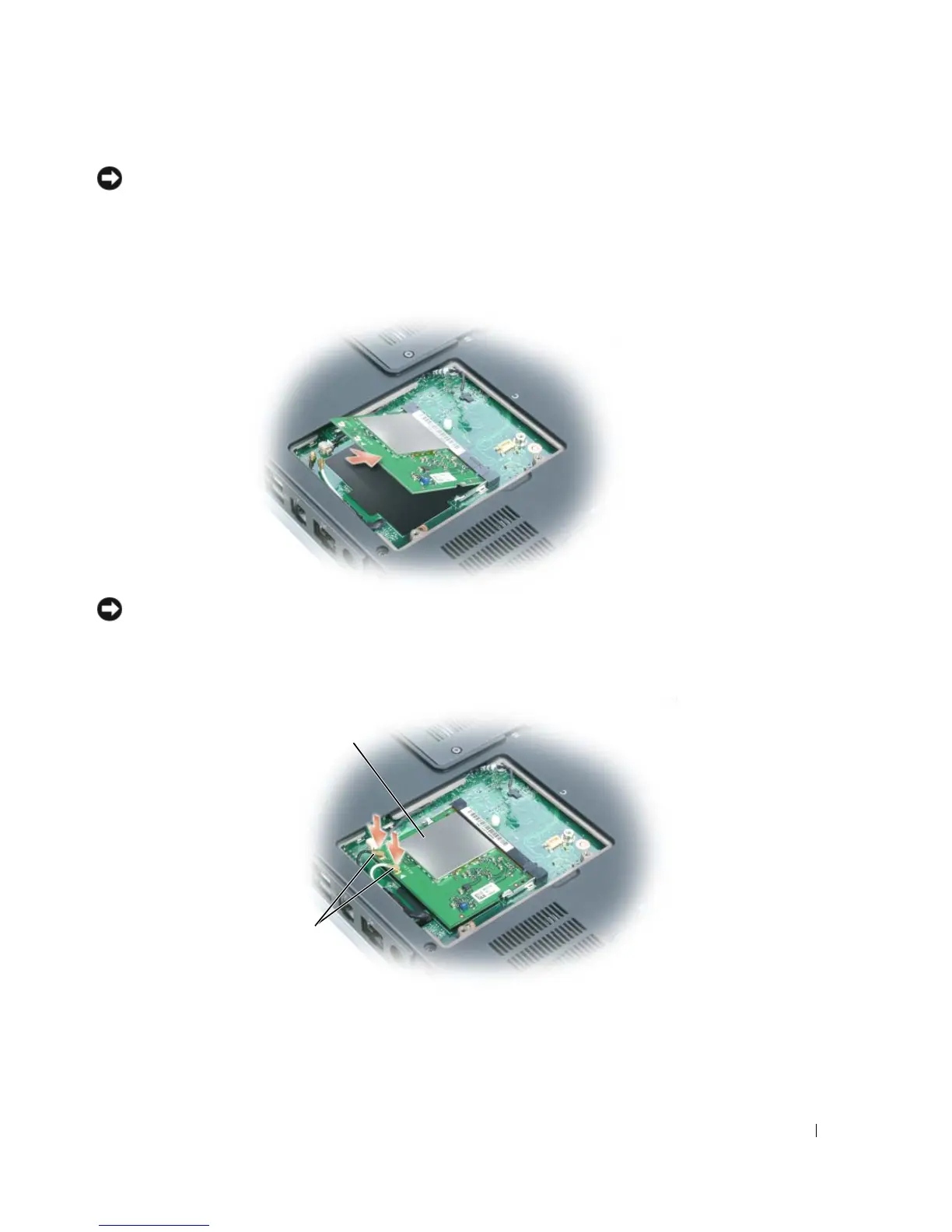
Install the replacement Mini PCI card:
a
Align the Mini PCI card with the connector at a 45-degree angle, and press the Mini PCI
card into the connector until it clicks.
NOTICE: To avoid damaging the Mini PCI card, never place cables under the card.
b
Connect the antenna cables to the Mini PCI card if a wireless card is installed in your
computer.
Mini PCI card
antenna cables



 To Next Page