12 A Tour of Your Computer
DISPLAY LATCH RELEASE — Slide to release the display latches and open the display.
DISPLAY LATCHES — Keeps the display closed.
DISPLAY — For more information about your display, see “Using the Display” on page 25.
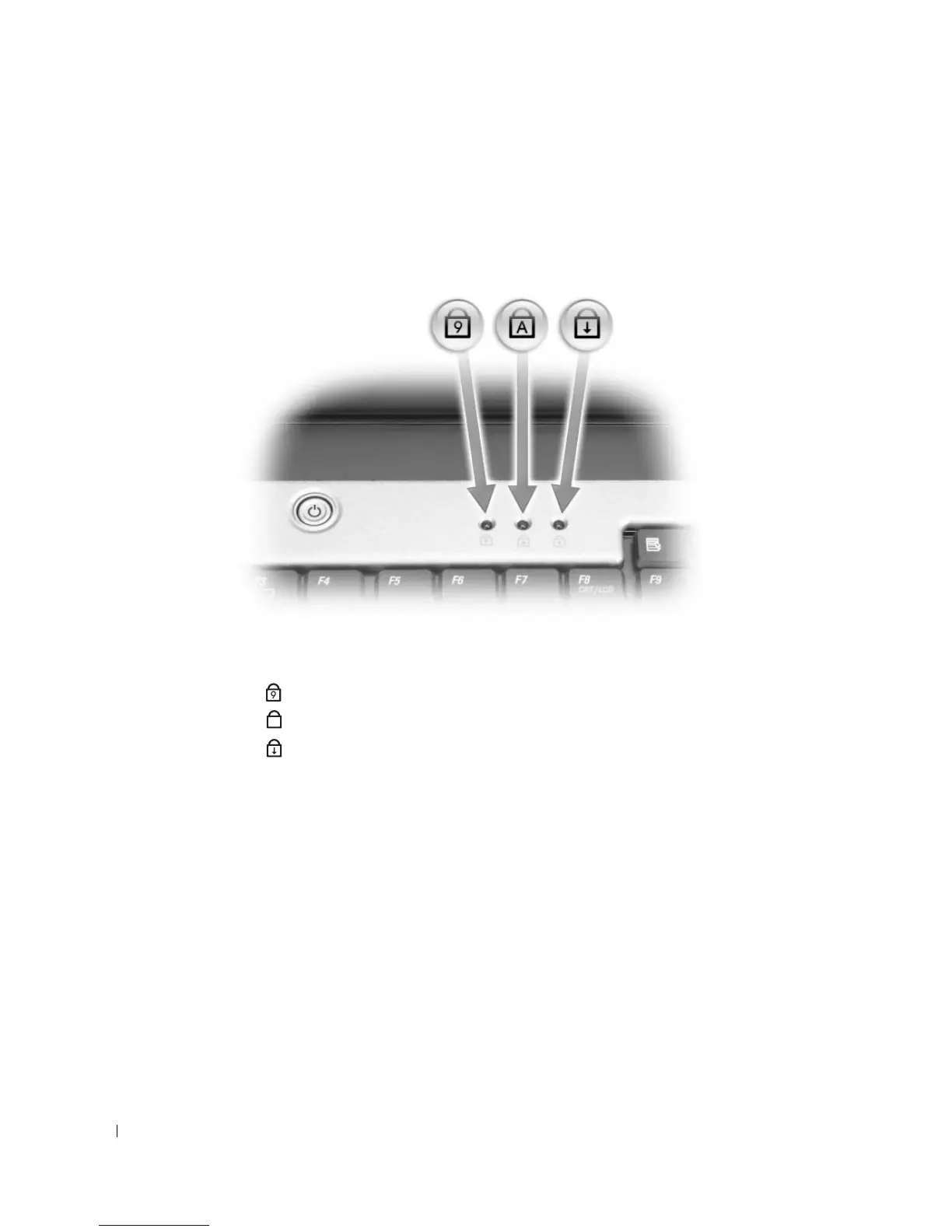
KEYBOARD STATUS LIGHTS
The green lights located above the keyboard indicate the following:
TOUCH PAD/TOUCH PAD BUTTONS — Provides the functionality of a mouse.
SPEAKERS — To adjust the volume of the integrated speakers, press the speaker-volume keyboard shortcuts. For
more information, see “Speaker Functions” on page 29.
Turns on when the numeric keypad is enabled.
Turns on when the uppercase letter function is enabled.
Turns on when the scroll lock function is enabled.
9
A












 To Next Page