Using CDs, DVDs, and Other Multimedia 41
Using CDs, DVDs, and Other Multimedia
Playing a CD or DVD
NOTICE: Do not press down on the CD or DVD tray when you open or close it. Keep the tray closed when you
are not using the drive.
NOTICE: Do not move the computer when you are playing CDs or DVDs to prevent damage to your CD/DVD
drive or discs.
1
Press the eject button on the front of the drive.
2
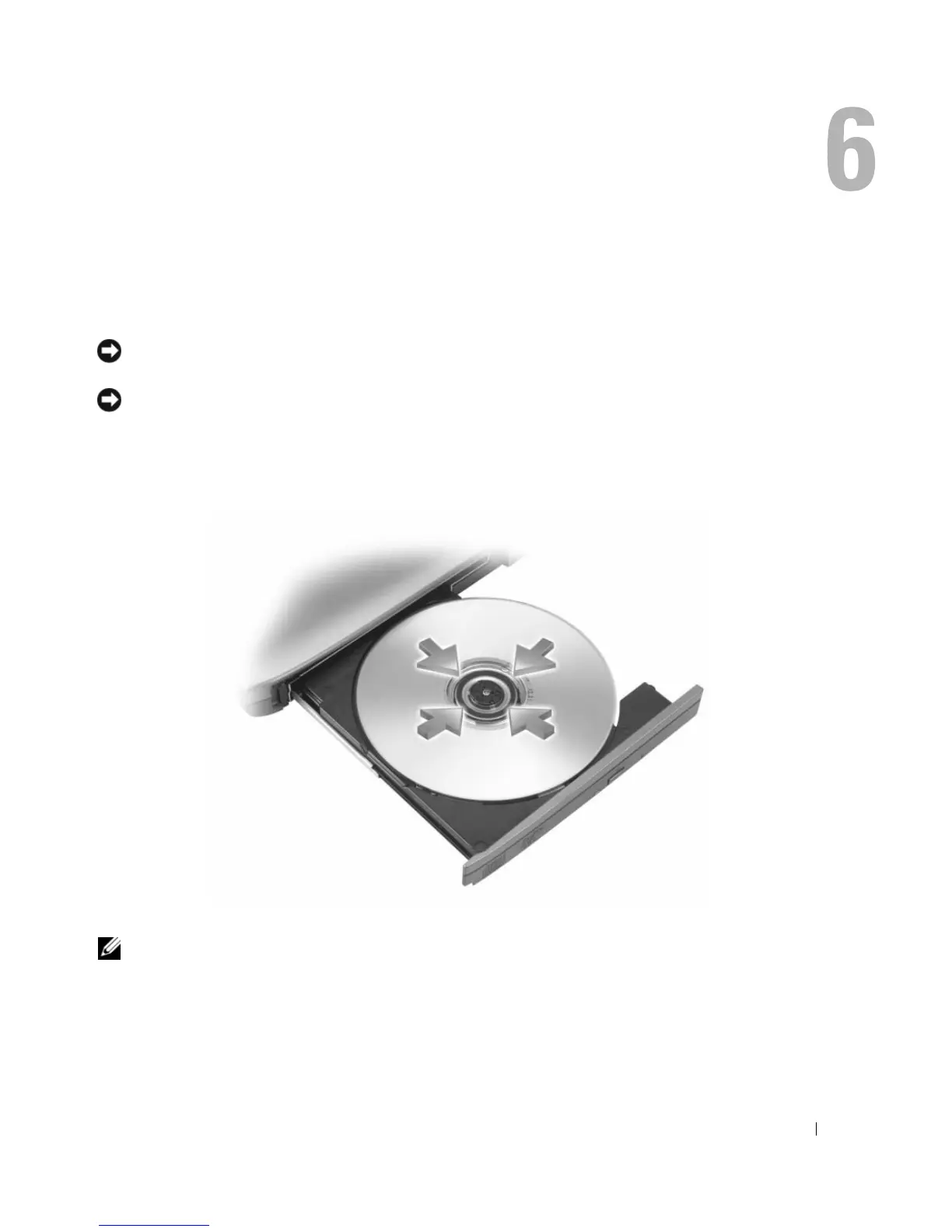
Pull out the tray.
3
Place the disc, label side up, in the center of the tray and snap the disc onto the spindle.
NOTE: If you use a CD/DVD drive that shipped with another computer, you need to install the drivers and
software necessary to play CDs or DVDs or write data.
4
Push the tray back into the drive.












 To Next Page