Adding and Replacing Parts 87
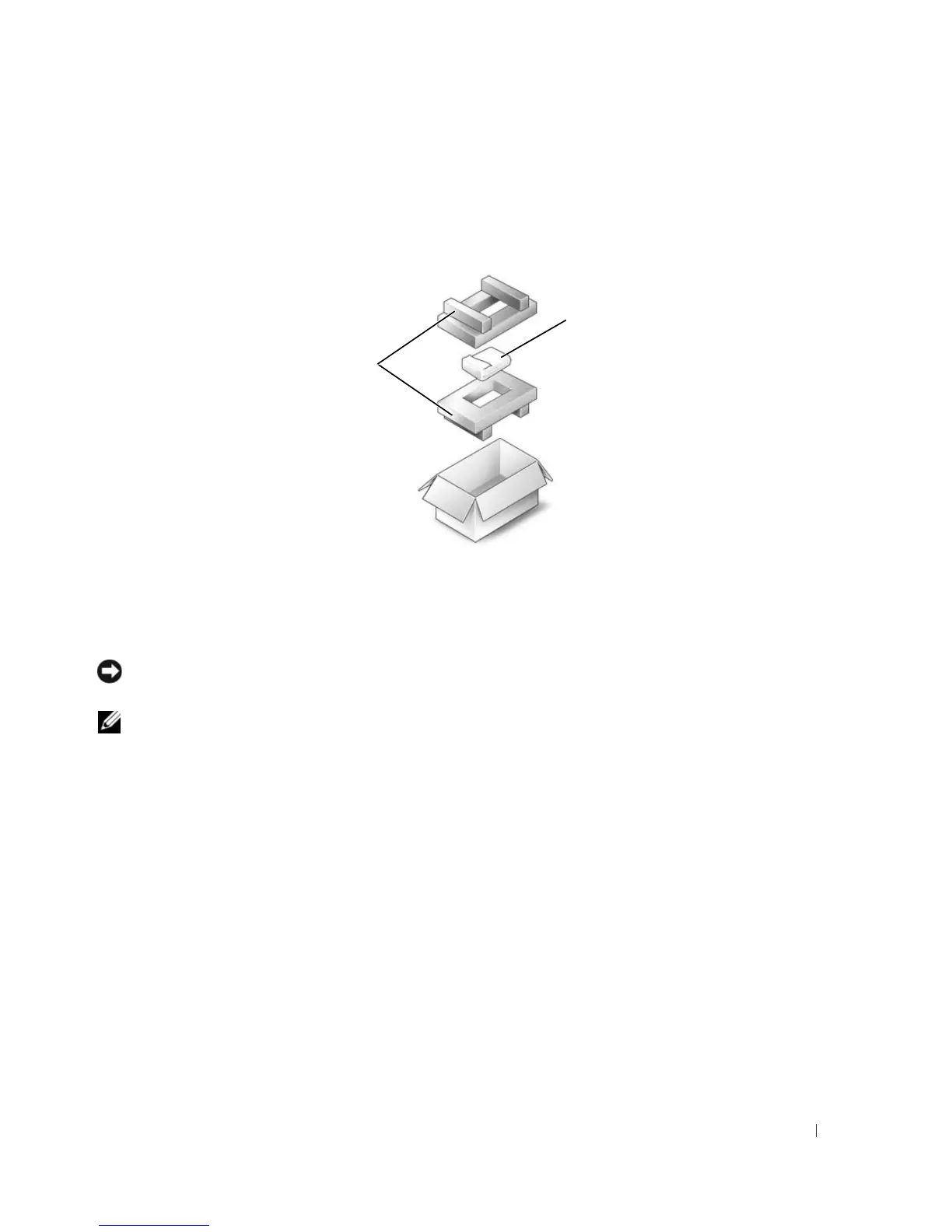
Returning a Hard Drive to Dell
Return your old hard drive to Dell in its original or comparable foam packaging. Otherwise, the hard
drive may be damaged in transit.
CD/DVD Drive
NOTICE: To prevent damage to devices, store them in a safe, dry place when they are not installed in the
computer. Avoid pressing down on them or placing heavy objects on top of them.
NOTE: If your computer shipped with a device security screw and the screw is not installed, you can remove and
install devices while the computer is running and connected to a docking device.
1
While the computer is turned on
, double-click the
Safely Remove Hardware
icon on the taskbar, click
the device that you want to eject, and click
Stop
.
2
Close your display and turn the computer upside down.
3
Use a Philips screwdriver to remove the device security screw from the bottom of the computer.
4
Using a screwdriver or some other type of probe, push the notch where the device security screw was
removed toward the outside of the computer.
5
Pull the device straight out of the media bay.
1 foam packaging 2 hard drive
2
1












 To Next Page