Finding Information 9
Finding Information
NOTE: Some features or media may be optional and may not ship with your computer. Some features or media may
not be available in certain countries.
NOTE: Additional information may ship with your computer.
What Are You Looking For? Find It Here
• How to set up my computer
• Basic troubleshooting information
• How to run the Dell Diagnostics
• How to set up a printer
• Additional information about setting up my computer
• How to troubleshoot and solve problems
• How to remove and install parts
• Specifications
• How to contact Dell
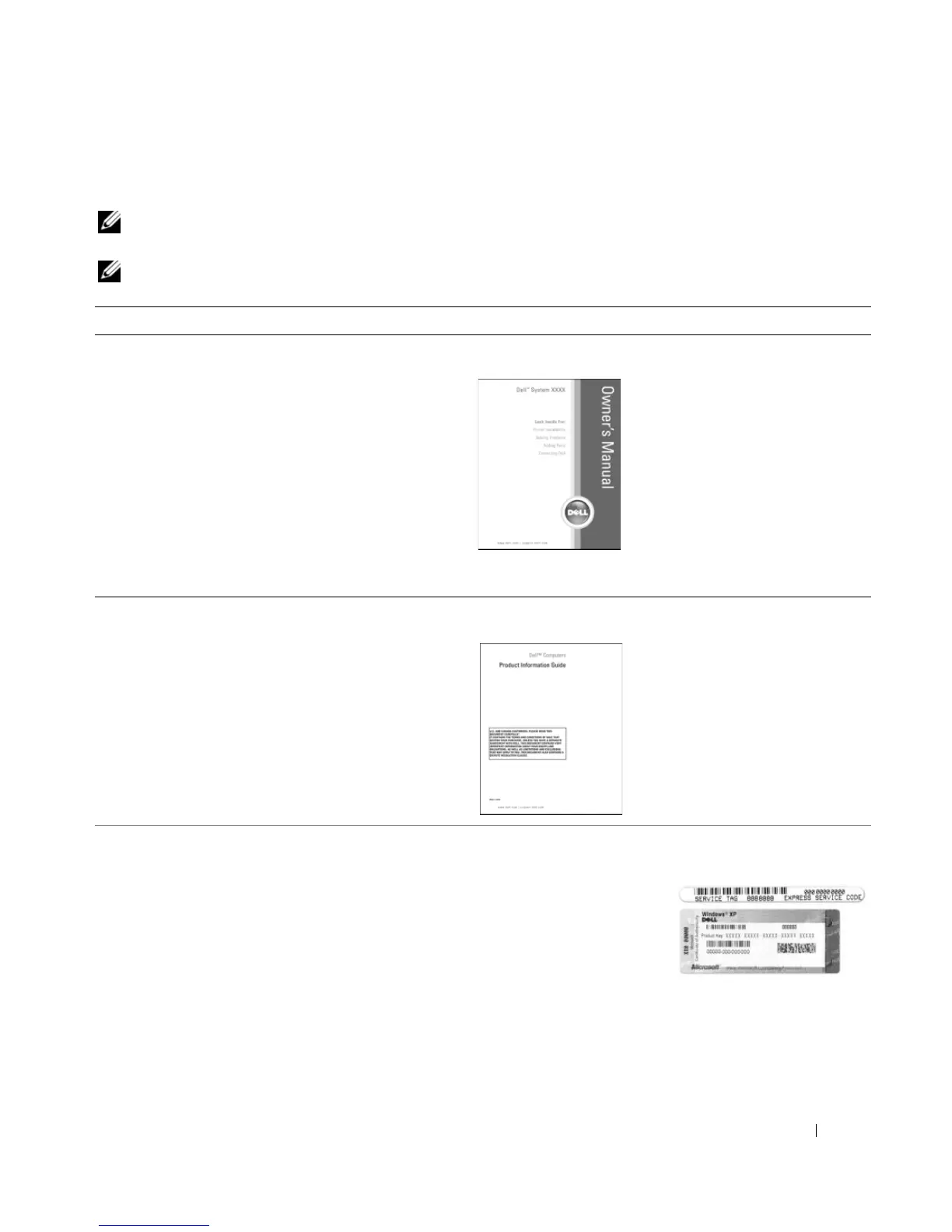
Owner’s Manual
NOTE: This document is available as a PDF at
support.dell.com.
• Warranty information
• Terms and Conditions (U.S. only)
• Safety instructions
• Regulatory information
• Ergonomics information
• End User License Agreement
Dell™ Product Information Guide
• Service Tag and Express Service Code
• Microsoft Windows License Label
Service Tag and Microsoft
®
Windows
®
License
These labels are located on
the bottom of
your computer.
• Use the Service Tag to
identify your computer
when you use
support.dell.com
or
contact technical
support.
• Enter the Express Service Code to direct your call when
contacting technical support.




 To Next Page