A Tour of Your Computer 15
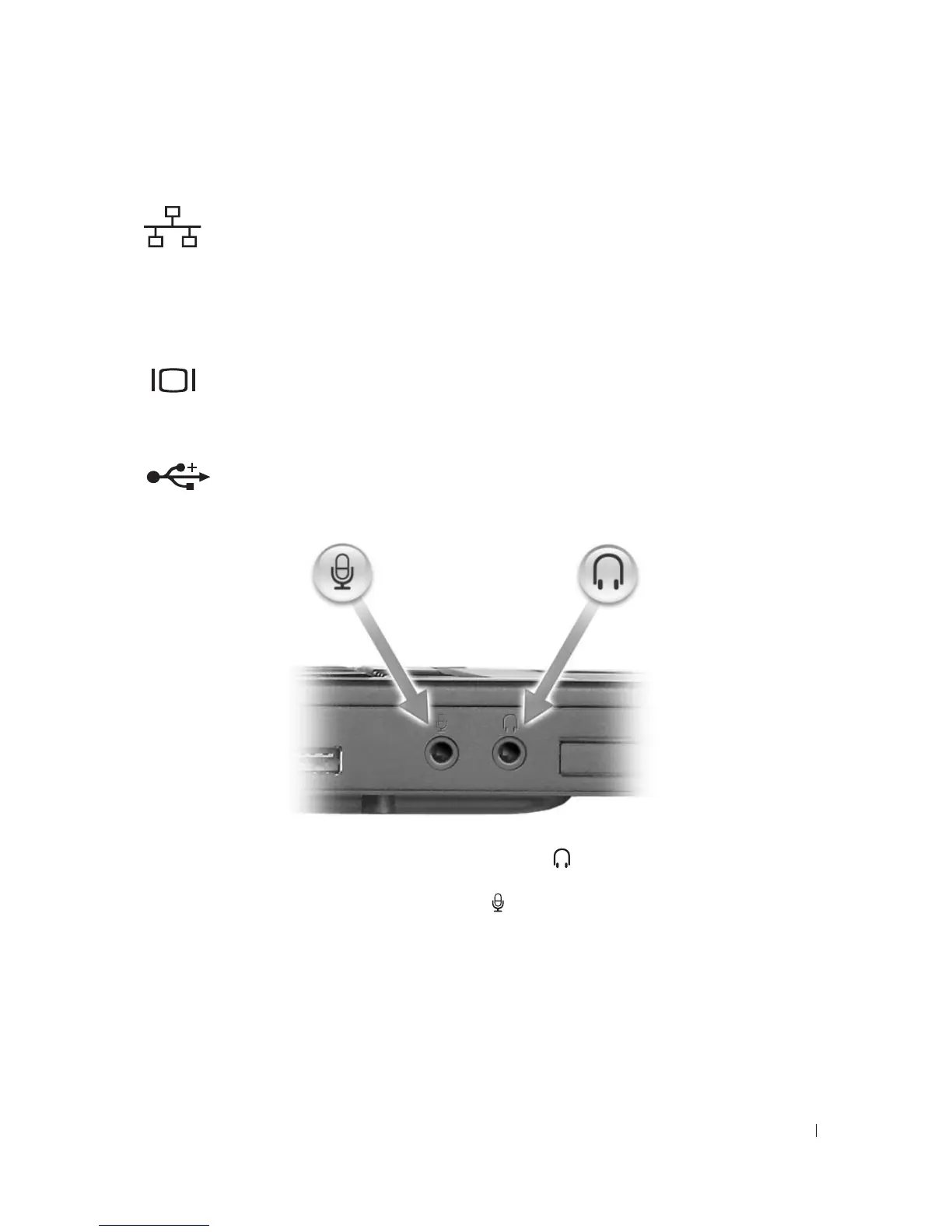
NETWORK CONNECTOR (RJ-45)
VIDEO CONNECTOR
USB CONNECTORS
AUDIO
CONNECTORS
EXPRESSCARD SLOT — Supports one ExpressCard. The computer ships with a plastic blank installed in the slot.
For more information, see “Using ExpressCards” on page 47.
Connects the computer to a network. The green and yellow
lights next to the connector indicate activity for wired
network communications.
For information on using the network adapter, see the
online network adapter documentation supplied with
your computer.
Connects an external VGA-compatible monitor.
Connect USB devices, such as a mouse, keyboard, or printer.
You can also connect the optional floppy drive
directly to a
USB connector using the optional floppy-drive
cable.
Attach headphones or speakers to the connector.
Attach a microphone to the connector.












 To Next Page