Adding and Replacing Parts 91
6
Replace the memory module/Mini PCI cover and tighten the screws.
NOTICE: If the cover is difficult to close, remove the module and reinstall it. Forcing the cover to close may
damage your computer.
7
Insert the battery into the battery bay, or connect the AC adapter to your computer and an electrical
outlet.
8
Turn on the computer.
As the computer boots, it detects the additional memory and automatically updates the system
configuration information.
To confirm the amount of memory installed in the computer, click the Start button, click Help and
Support, and then click Computer Information.
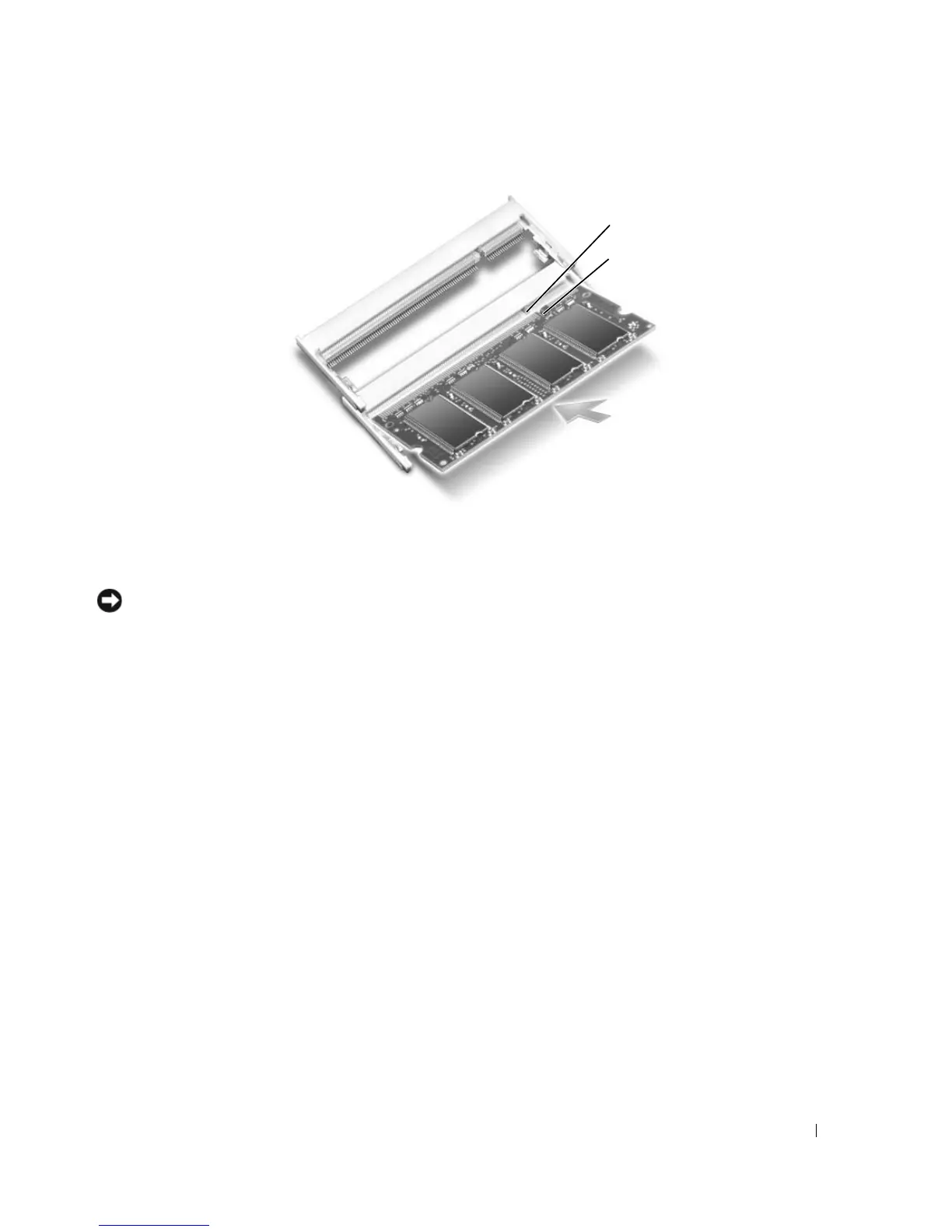
1 memory slot notch 2 memory slot tab
1
2












 To Next Page