94 Adding and Replacing Parts
4
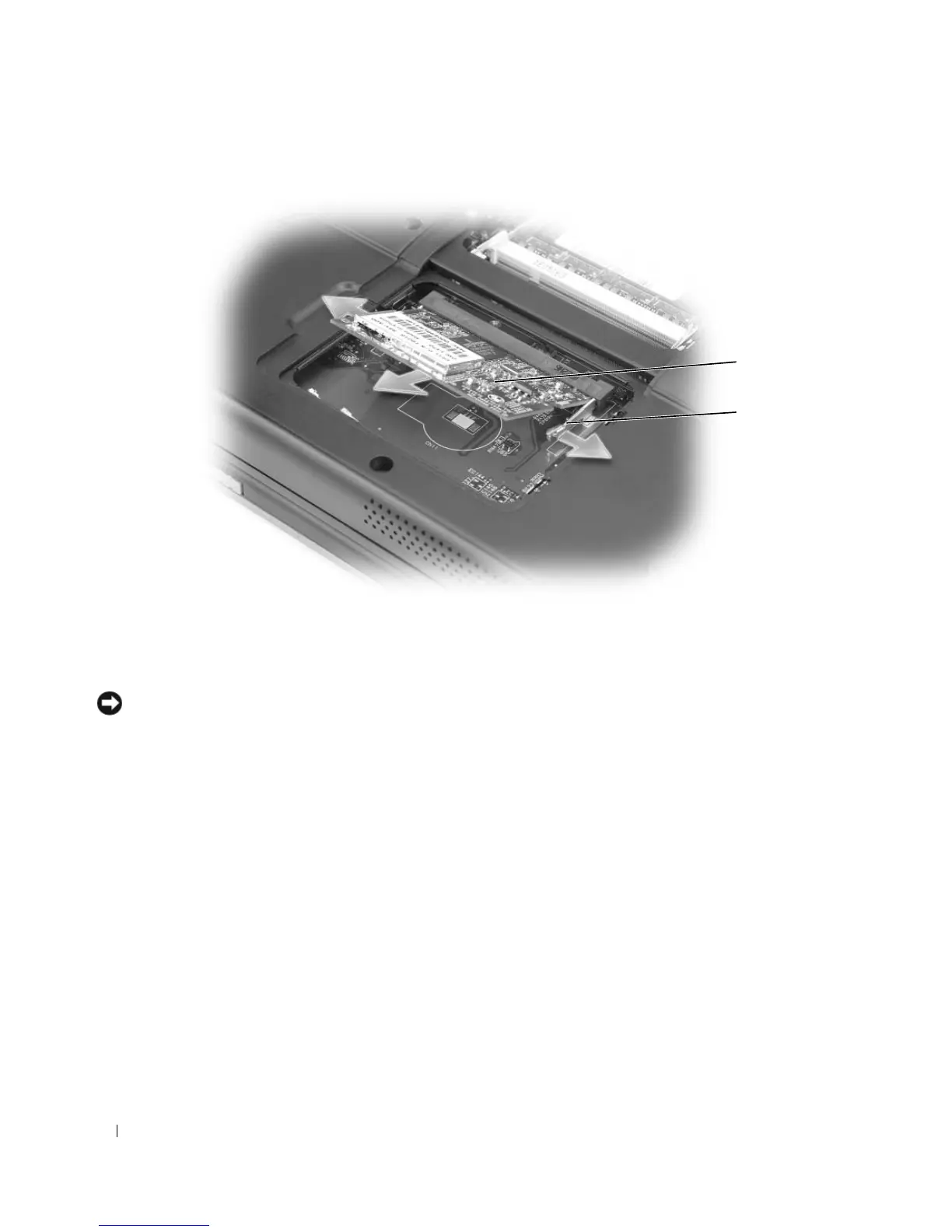
Install the replacement Mini PCI card:
NOTICE: To avoid damaging the Mini PCI card, ensure that the antenna cable is not under the card when you click
the card into place.
a
Align the Mini PCI card with the connector at a 45-degree angle, and press the Mini PCI card into
the connector until it clicks.
1 Mini PCI card 2 metal securing tabs (2)
1
2












 To Next Page