100
Adding and Replacing Parts
4
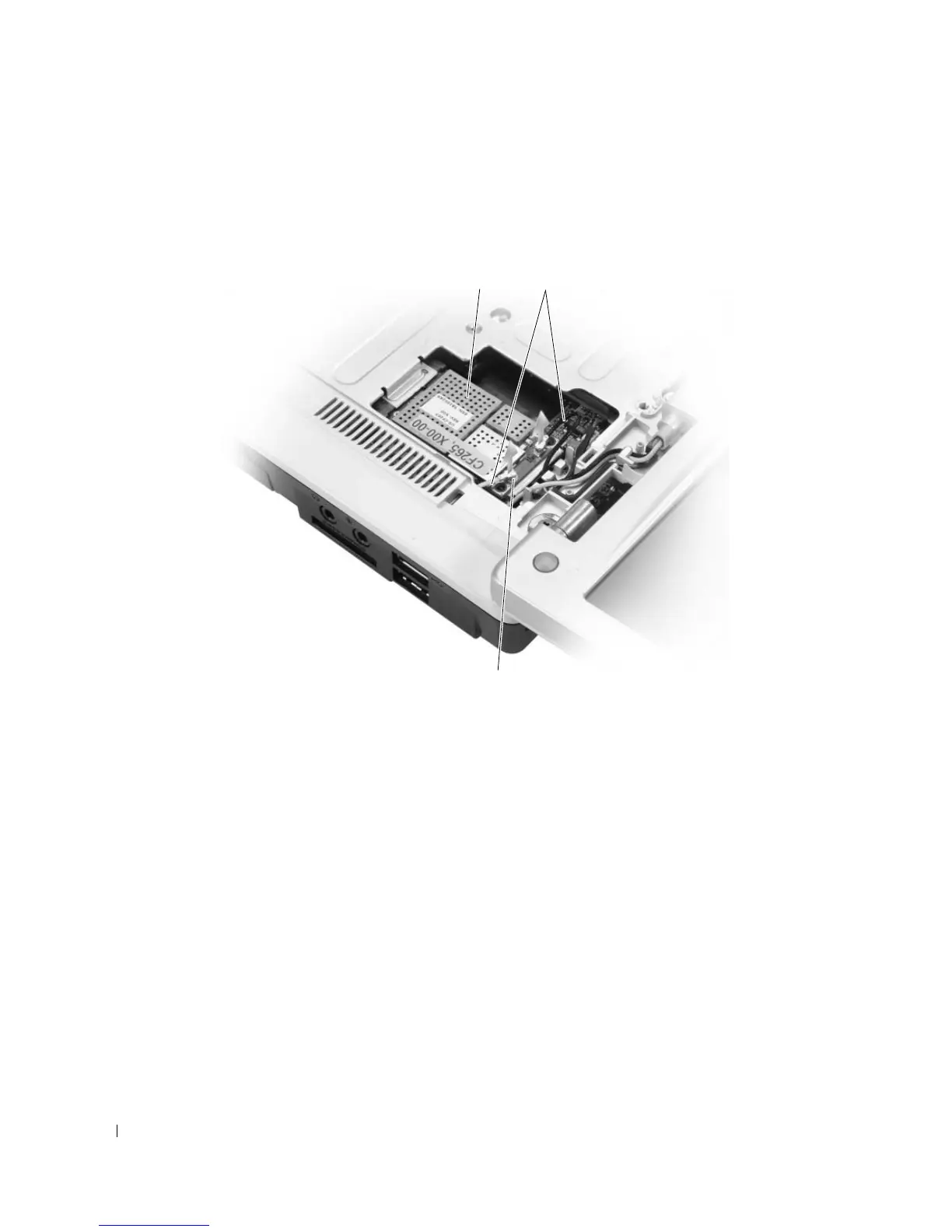
If a Mini-Card is not already installed, go to step 5. If you are replacing a Mini-Card, remove the
existing card:
a
Disconnect the two antenna cables from the Mini-Card.
b
Release the Mini-Card by pushing the metal securing tabs toward the back of the computer until
the card pops up slightly.
c
Lift the Mini-Card out of its system board connector.
1 Mini-Card 2 antenna cables (2) 3 antenna cable connectors (2)
3
21
More Information : www.pcsearch.ir












 To Next Page