Adding and Replacing Parts
95
6
Insert the battery into the battery bay, or connect the AC adapter to your computer and an
electrical outlet.
7
Reinstall the hard drive. See page 90.
8
Turn on the computer.
As the computer boots, it detects the additional memory and automatically updates the system
configuration information.
To confirm the amount of memory installed in the computer, click the Start button, click Help and
Support, and then click Dell System Information.
Modem
CAUTION:
Before you begin any of the procedures in this section, follow the safety instructions in the
Product Information Guide.
If you ordered the optional modem at the same time that you ordered your computer, the modem is
already installed.
1
Follow the procedures in "Before You Begin" on page 87.
2
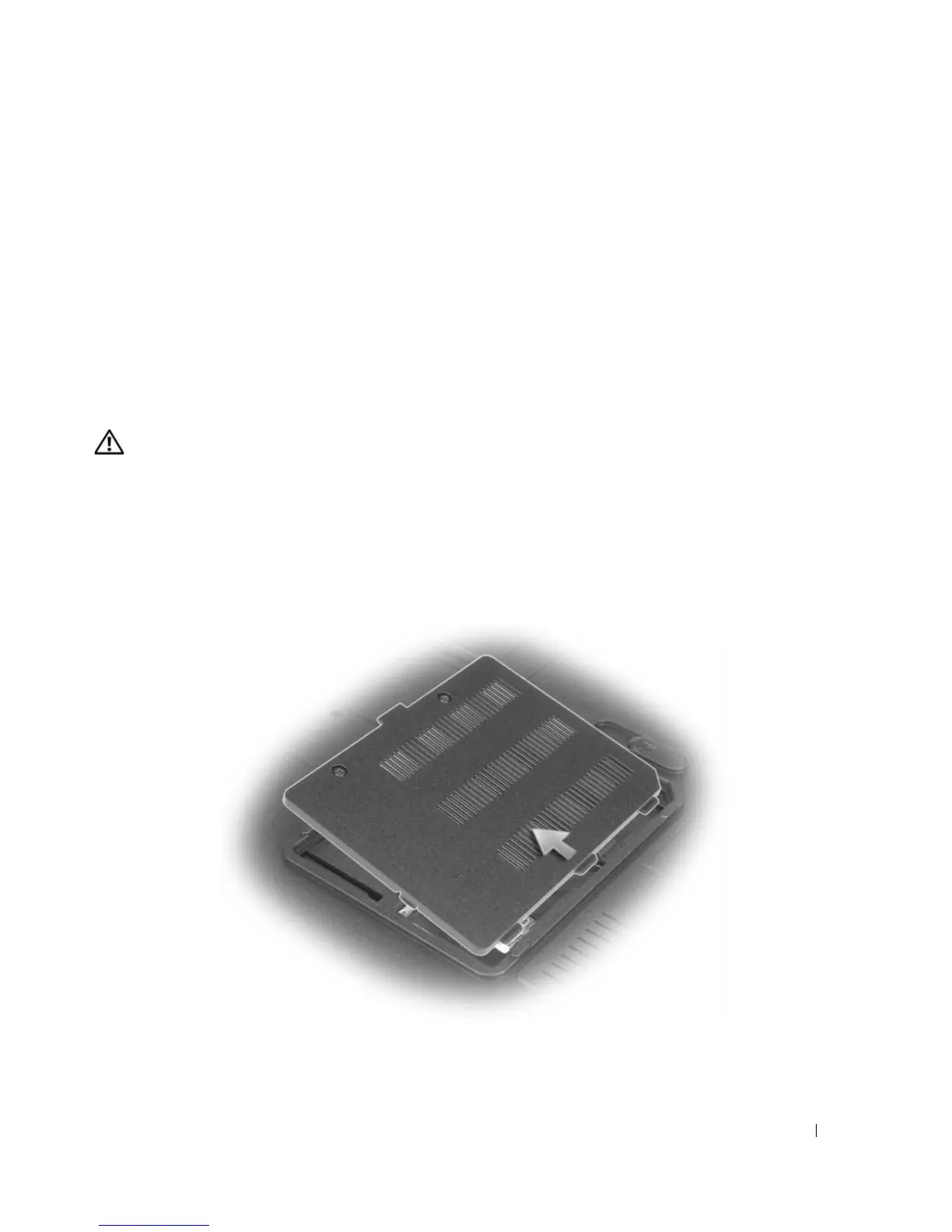
Turn the computer over, loosen the captive screws on the modem cover, and then remove the
modem cover.
More Information : www.pcsearch.ir












 To Next Page