Adding and Replacing Parts
89
5
Remove the optical drive, if installed, from the optical drive bay. See "Optical Drive" on page 90.
6
Press the power button to ground the system board.
7
Remove any installed cards from the ExpressCard slot (see page 50) and the 3-in-1 media memory card
reader (see page 52).
8
Close the display and turn the computer upside down on a flat work surface.
9
Remove the hard drive (see page 90).
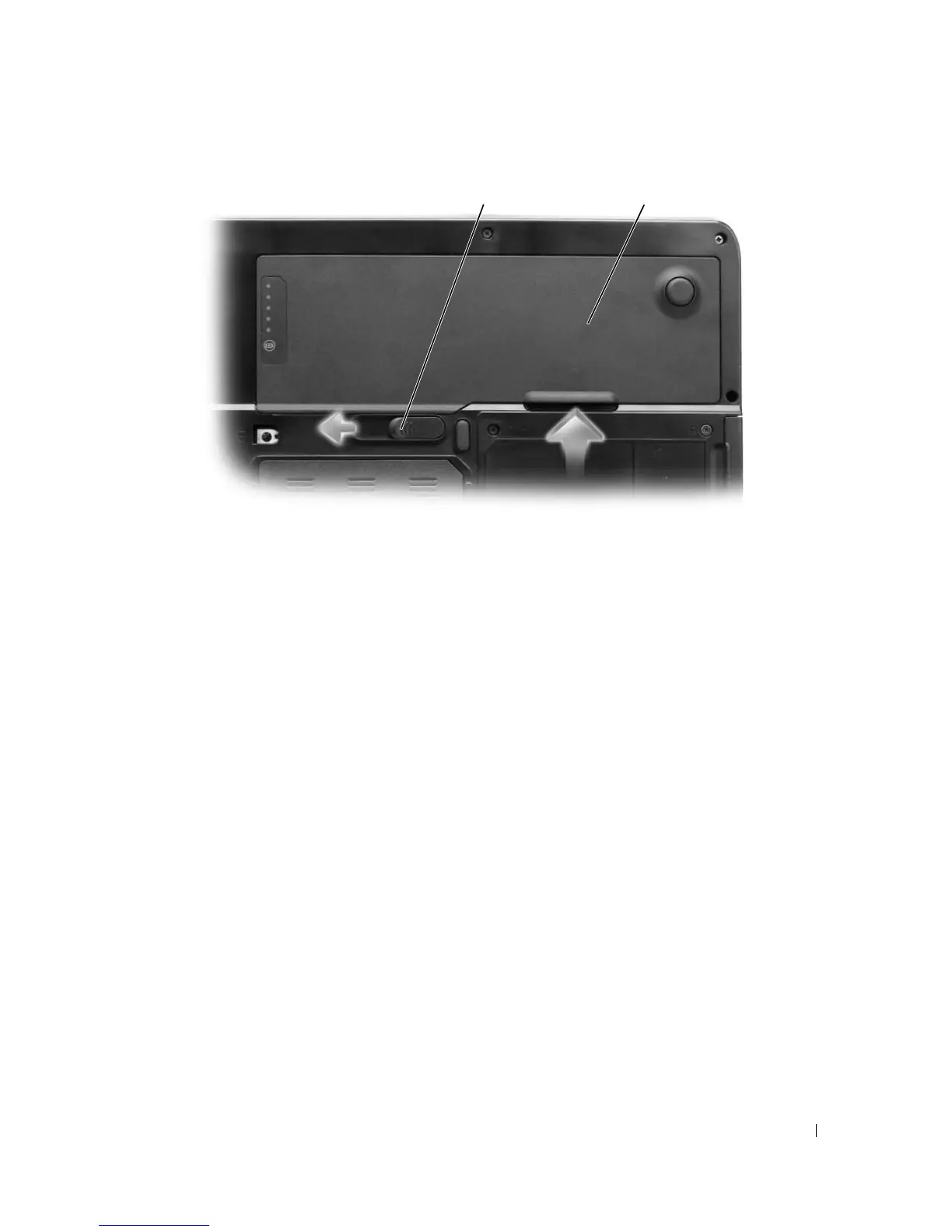
1 battery-bay latch release 2 battery
21
More Information : www.pcsearch.ir












 To Next Page