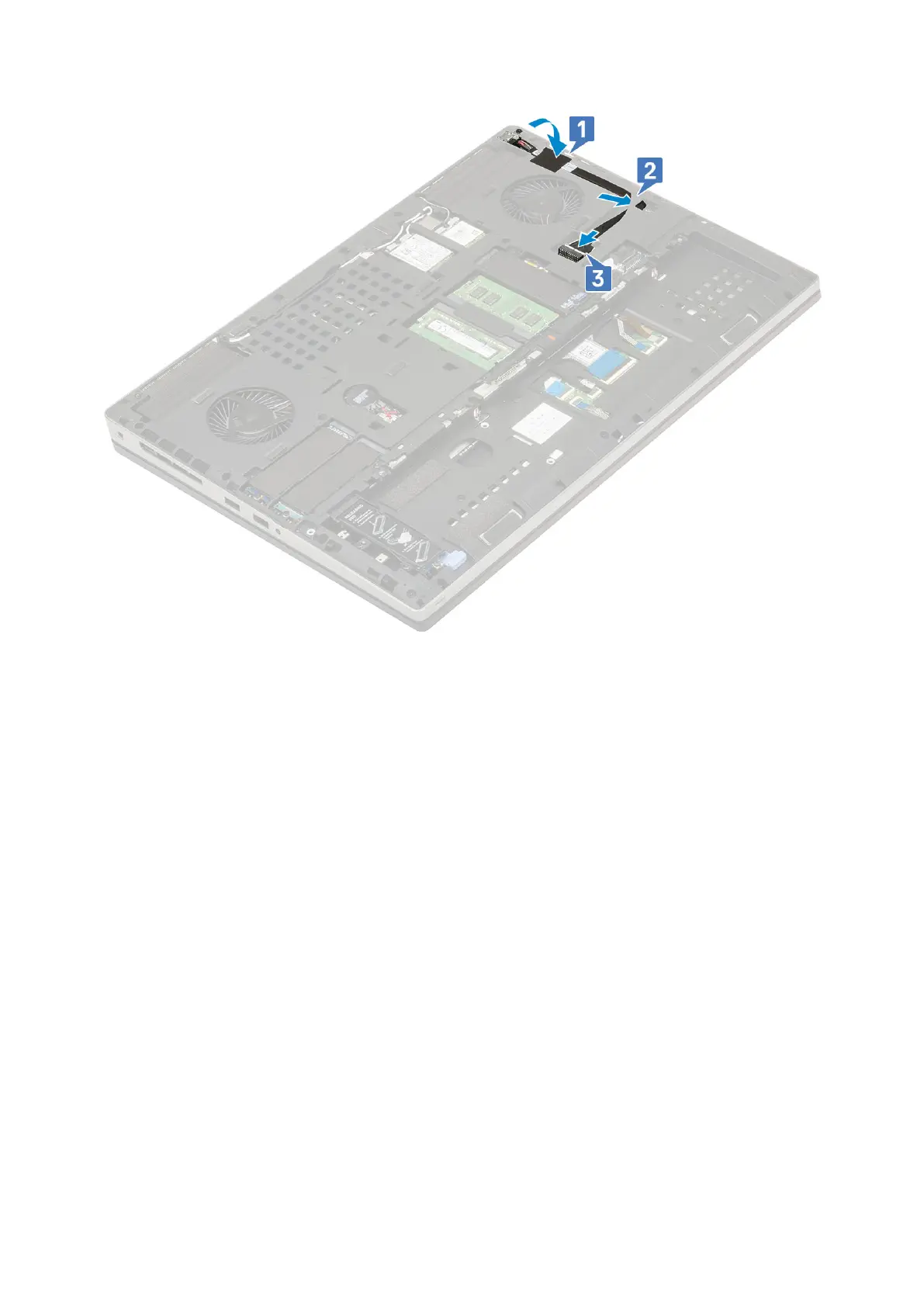
2. Install the:
a. base cover
b. battery
c. battery cover
d. SD card
3. Follow the procedure in After working inside your computer.
Palm rest
Removing the palmrest
1. Follow the procedure in Before working inside your computer.
2. Remove the:
a. SD card
b. battery cover
c. battery
d. keyboard
e. hard drive
f. base cover
3. To remove the palmrest:
a. Lift the latches and disconnect the touchpad and touchpad button cables from the connectors on the system board [1].
b. Remove the 15 (M2.5x5.0) and the 2 (M2.0x3.0) screws that secure the palmrest assembly in place [2, 3].
Removing and installing components
55














 To Next Page