Back to Contents Page
Computer Memory
DellPrecision™WorkStation340ServiceManual
Your computer supports dual-channel RDRAM RIMMs in 64-, 128-, 256-, and 512-MB capacities. See "Computer Memory Installation Guidelines" for instructions
you must follow when installing memory modules.
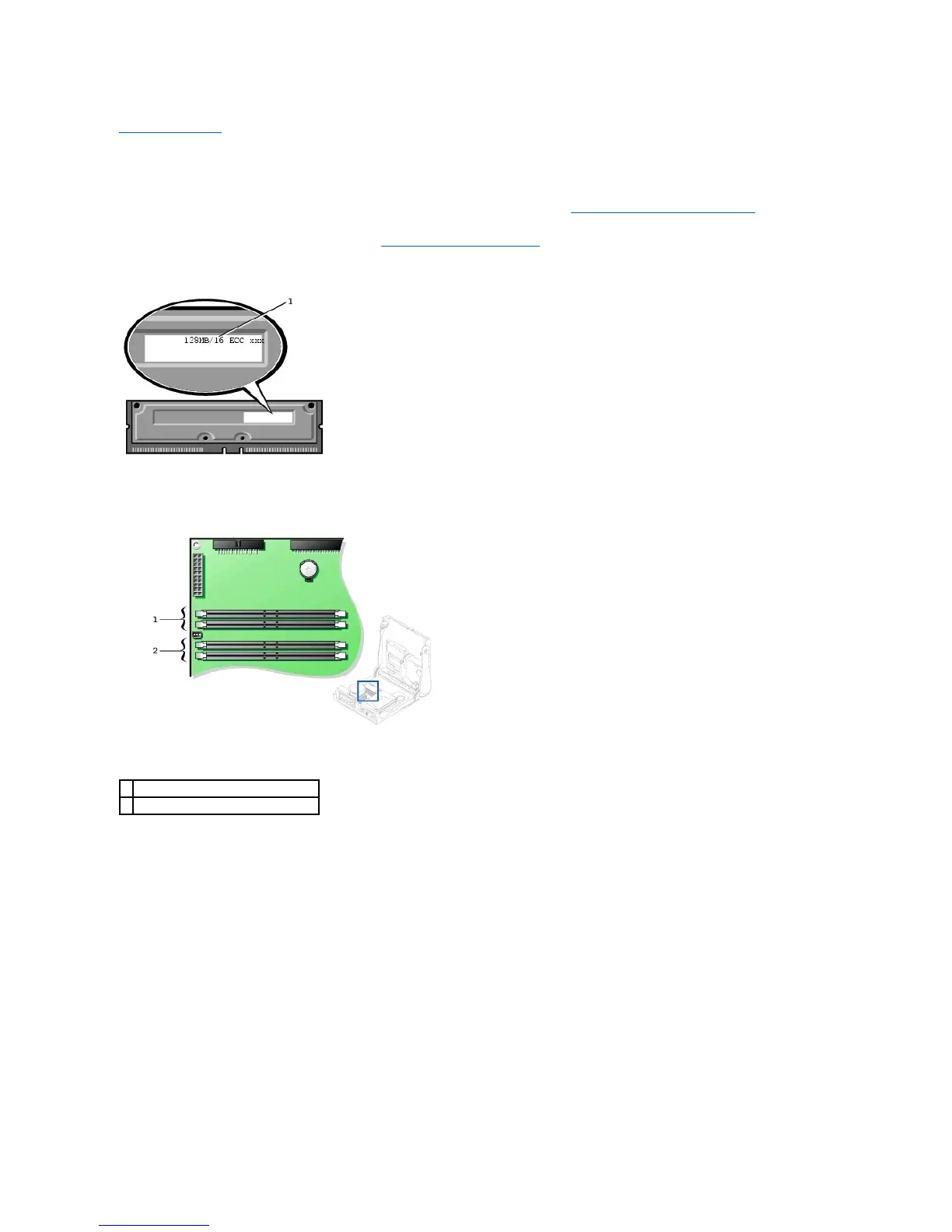
To locate the memory sockets on the system board, see "System Board Memory Components."
Memory Module Label
System Board Memory Components
Computer Memory Installation Guidelines
l Before you install new memory modules, download the most recent BIOS for your computer from the Dell | Support website at support.dell.com.
l Each memory socket on the system board must be occupied either by a RIMM or a CRIMM.
Memory Modules










 To Next Page