Closing the Computer Cover
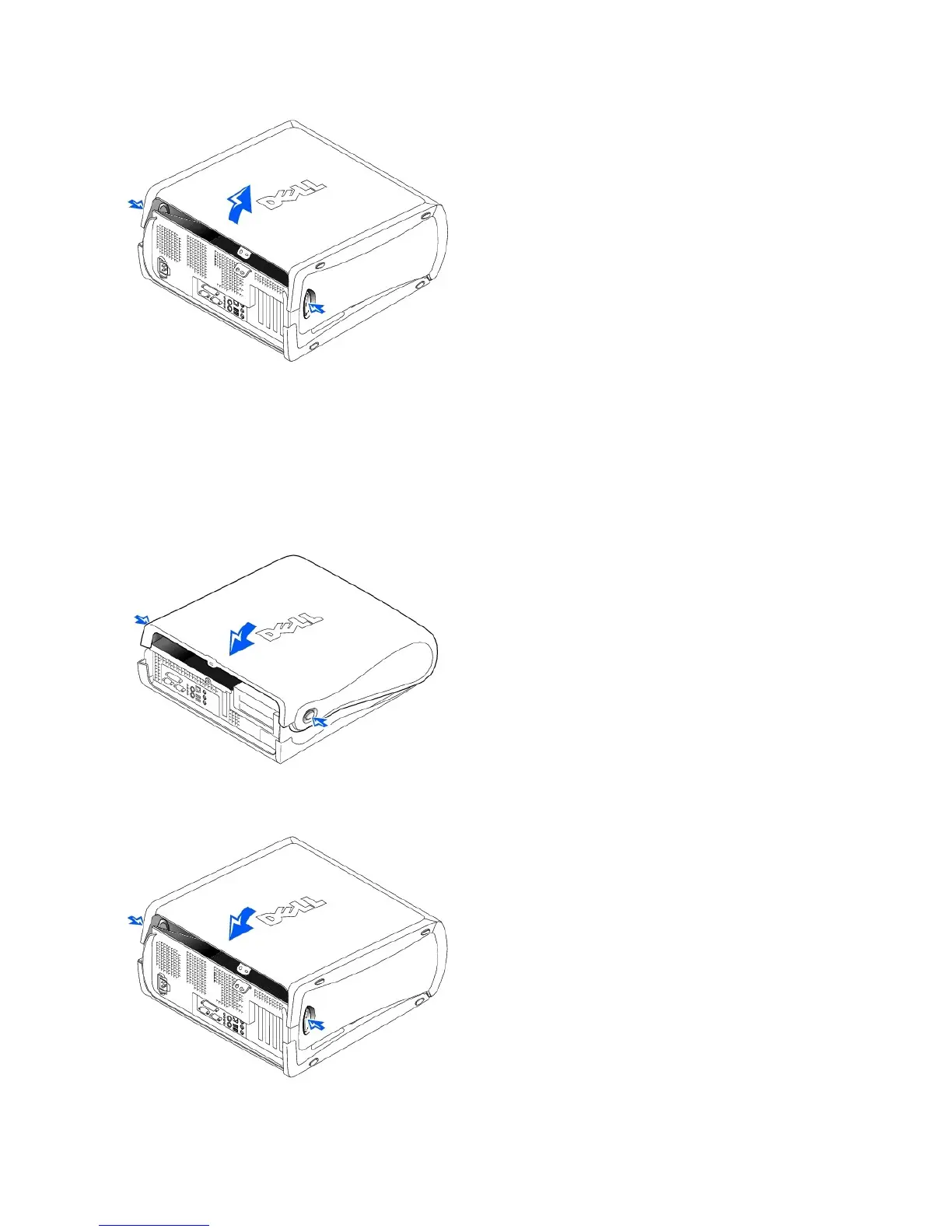
1. Check all cable connections, especially those that might have come loose during your work. Fold cables out of the way so that they do not obstruct the
computer cover.
2. Ensure that no tools or extra parts (including screws) are left inside the computer.
3. Close the computer cover by pivoting the cover down toward the back of the computer and into position. Make sure that the release buttons click into
place.
Small Desktop Computer
Mini-Tower Computer
4. If you are using a padlock to secure your computer, install the padlock.










 To Next Page