10 │ Setting up your Dell Premium Active Pen
4. Ensure that the Bluetooth is set to On.
5. From the list of devices, tap or click Dell Active Pen PN579X→ Pair.
NOTE: If Dell Active Pen PN579X is not listed, ensure pairing
mode is enabled on the pen.
6. Conrm the pairing process on both pen and device.
The Bluetooth-pairing light turns solid white for a few seconds to conrm
the pairing and then the light turns o. After the pen and a device are paired,
they connect automatically when Bluetooth is enabled and they are within the
Bluetooth range.
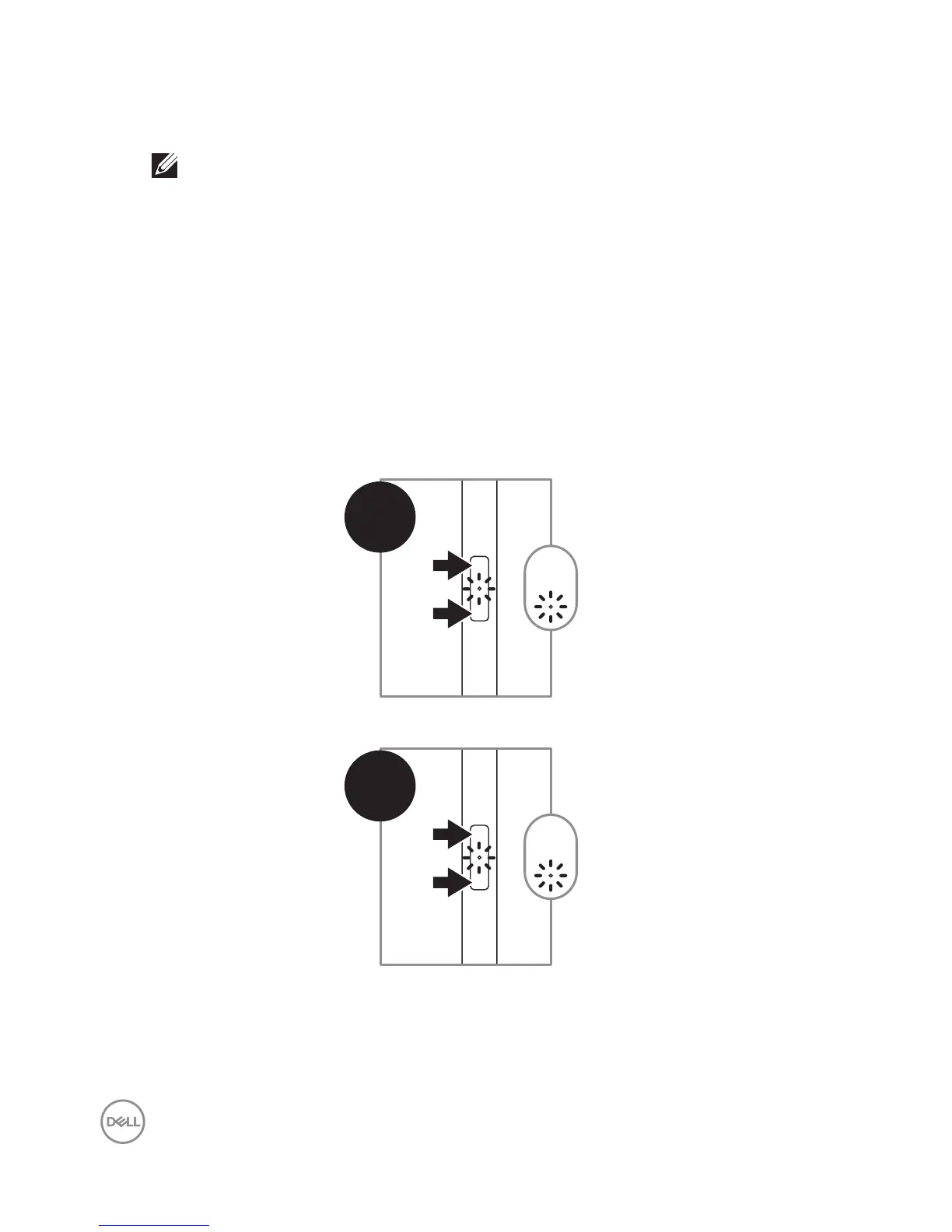
Mode Checking between AES and MPP
Press briefly on both Bottom Barrel Button and Top Barrel Button, to indicate
current Inking Mode.
• AES Mode — LED blinks once
1
x1
• MPP Mode — LED blinks twice
2
x1




 To Next Page