Setting up your Dell Premium Active Pen │ 11
Inking Mode Switching
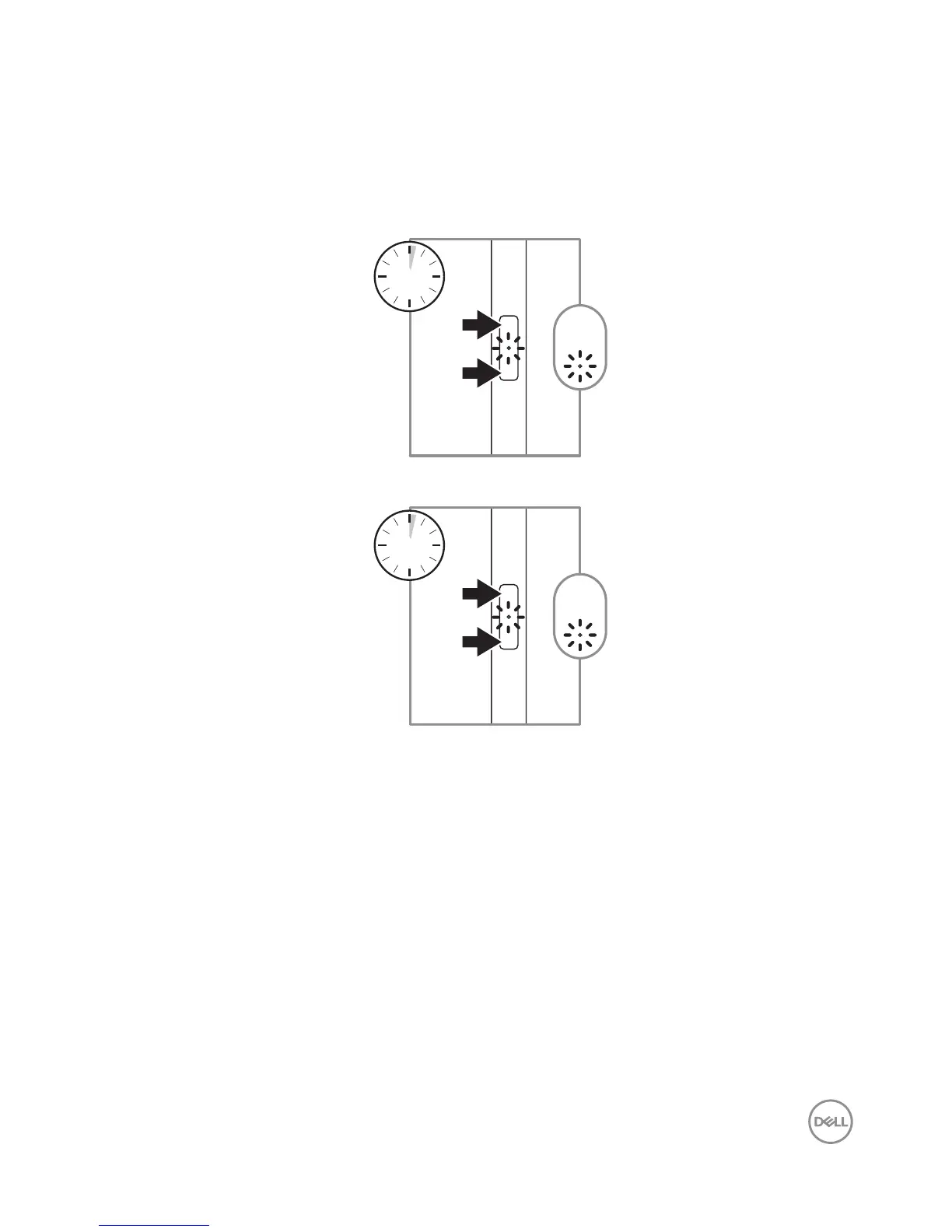
Press and hold for 2 seconds on both Bottom Barrel Button and Top Barrel Button
to trigger Mode Switching. After completion of mode switching, indicator will show
the current effective Mode.
• LED blinks once — AES Mode is active
1
2s
• LED blinks twice — MPP Mode is active
2
2s




 To Next Page