12 │ Active Pen Control Panel
Active Pen Control Panel
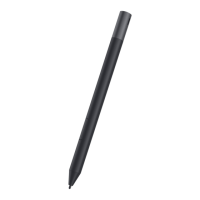
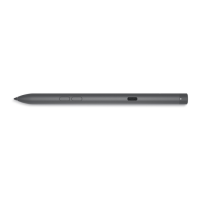
You can customize the buttons on your pen, change pressure sensitivity, and so on,
using Active Pen Control Panel.
Installing Active Pen Control Panel
To install Active Pen Control Panel:
1. Turn on the computer or tablet.
2. Go to dell.com/PN579X.
3. Under the Choose from all products section, tap or click View products.
4. Tap or click Electronics & Accessories.
5. Tap or click Styli.
6. Tap or click Dell Premium Active Pen PN579X.
7. Tap or click Drivers & downloads.
8. Tap or click Drivers for OS Deployment.
9. Under Active Pen Control Panel, tap or click Download.
10. Save the le.
11. After the download is complete, open the le and follow the instructions on
the screen to install the Active Pen Control Panel.
NOTE: Active Pen Control Panel software is available on Windows 10
operating system only.




 To Next Page