6 │ Features
Features
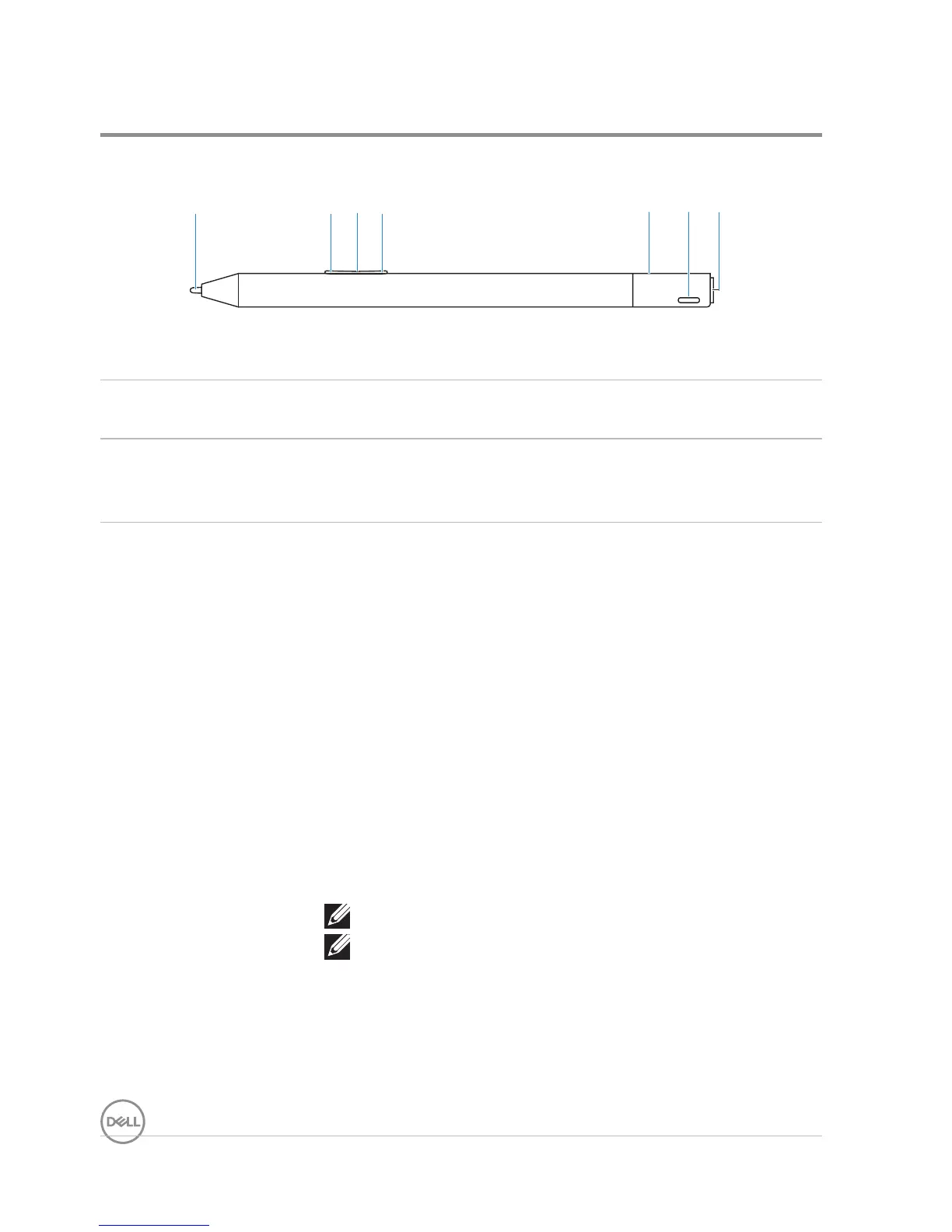
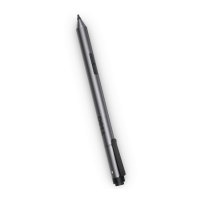
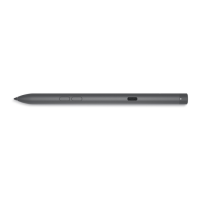
1 2 4 6 73 5
Feature Functionality
1 Tip Move the tip over a touch screen to move the pointer.
Allows you to write, draw, select objects, and so on.
2 Bottom Barrel
Button
Press and hold this button and move the tip over the area
you want to erase. To change the functionality of this
button, see Using Active Pen Control Panel.
3 Protocol
changing light
Mode Checking:
• Press briefly on both Bottom Barrel Button and Top
Barrel Button, to indicate the current Inking Mode as
follows:
• Microsoft Pen Protocol (MPP) — Blinks twice
• Active Electrostatic (AES) — Blinks once
Mode Switching:
• Press and hold for 2 seconds on both Bottom Barrel
Button and Top Barrel Button to trigger Mode Switching.
After completion of mode switching, indicator will show
the current effective Mode as follows:
• MPP — Blinks twice
• AES — Blinks once
NOTE: The default Inking Mode is AES.
NOTE: The Dell Premium Active Pen PN579X
supports Wacom’s Universal Pen Framework
(UPF) that enables to switch between
Microsoft Surface devices and Wacom Active
ES (electrostatic) devices.
The Microsoft Surface devices support the
MPP protocol and the Wacom ES devices
support the AES protocol.




 To Next Page