Fit and charge
Wear on the right or left
Steps
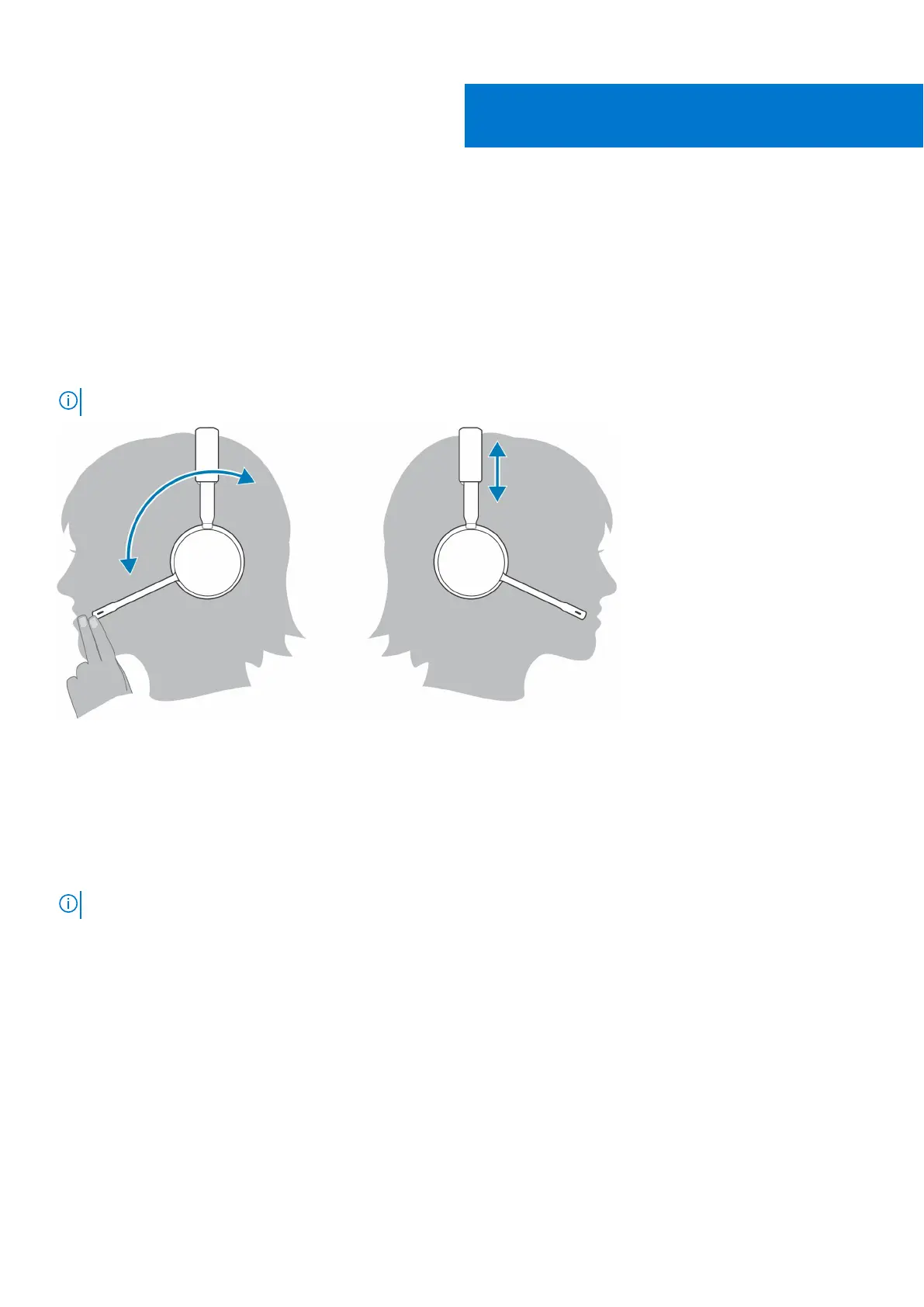
To position the microphone on the right or left side, rotate the microphone boom up and over. Gently bend the boom so it is
approximately 2 finger widths from the corner of your mouth.
NOTE: For true stereo sound, wear the boom on your right side.
Charge
Steps
Charge your headset using the micro USB cable or the charge stand (sold separately). The headset LEDs flash when charging. It
takes approximately 90 minutes to fully charge your headset. The LEDs turn off once charging is complete.
NOTE: The micro USB cable and charge stand (sold separately) plug into a computer or wall charger's USB port.
5
Fit and charge 11



 To Next Page