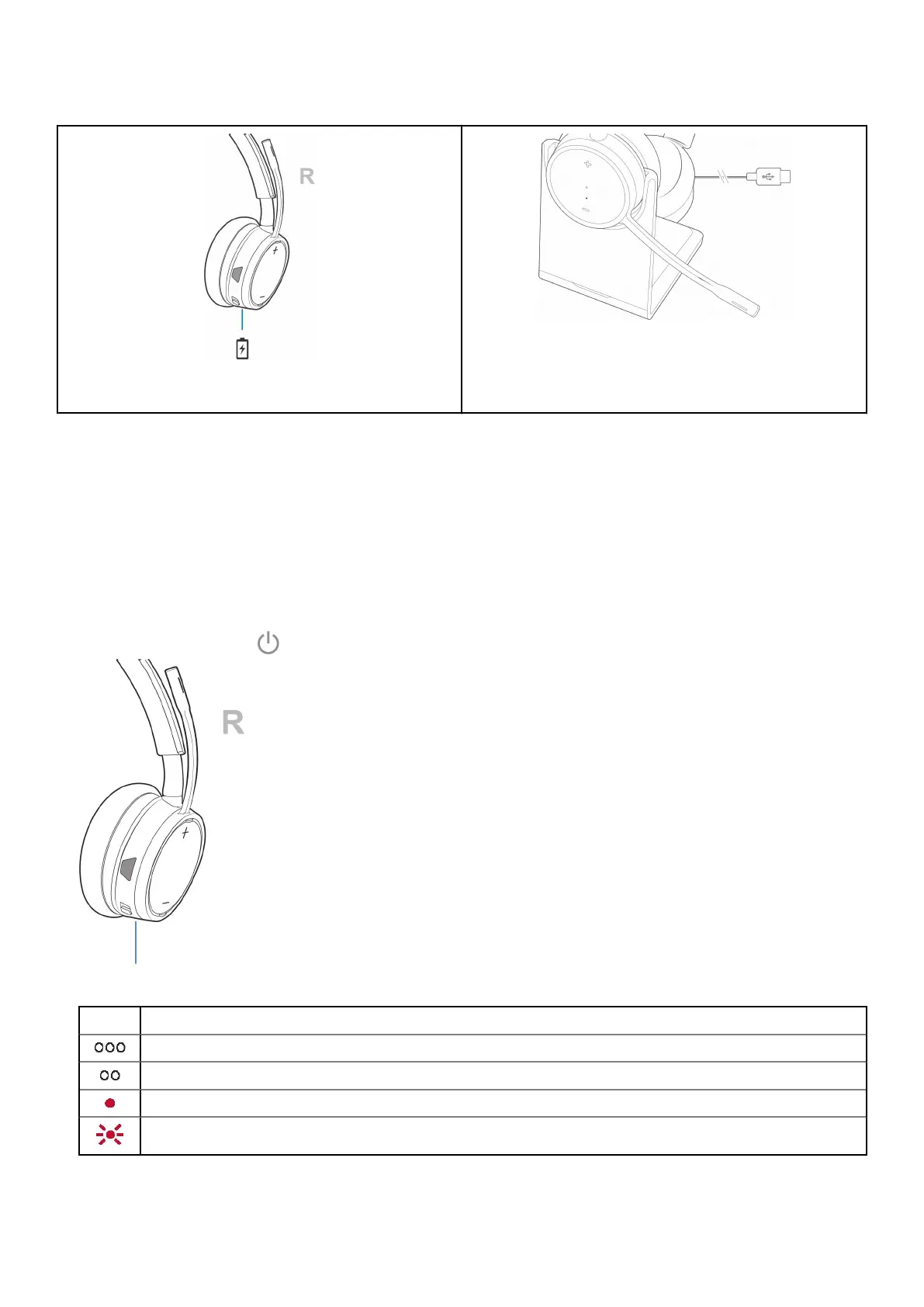
Table 3. Charging your headset
Figure 1. Micro USB cable
Figure 2. Charge stand (sold separately)
Check headset battery status
There are 3 ways to check the headset battery status. Choose:
Steps
● Plantronics Hub for iOS/Android: check the home screen
● Plantronics Hub for Windows/Mac: click on the Plantronics Hub headset icon in the system tray or menu bar to view battery
status
● Slide and release the Power
switch away from the off position. Listen to the voice alert or observe the headset LEDs.
Table 4. Headset LED behavior while charging
Off Charging complete
Battery high
Battery medium
Battery low
Battery critical
12 Fit and charge



 To Next Page