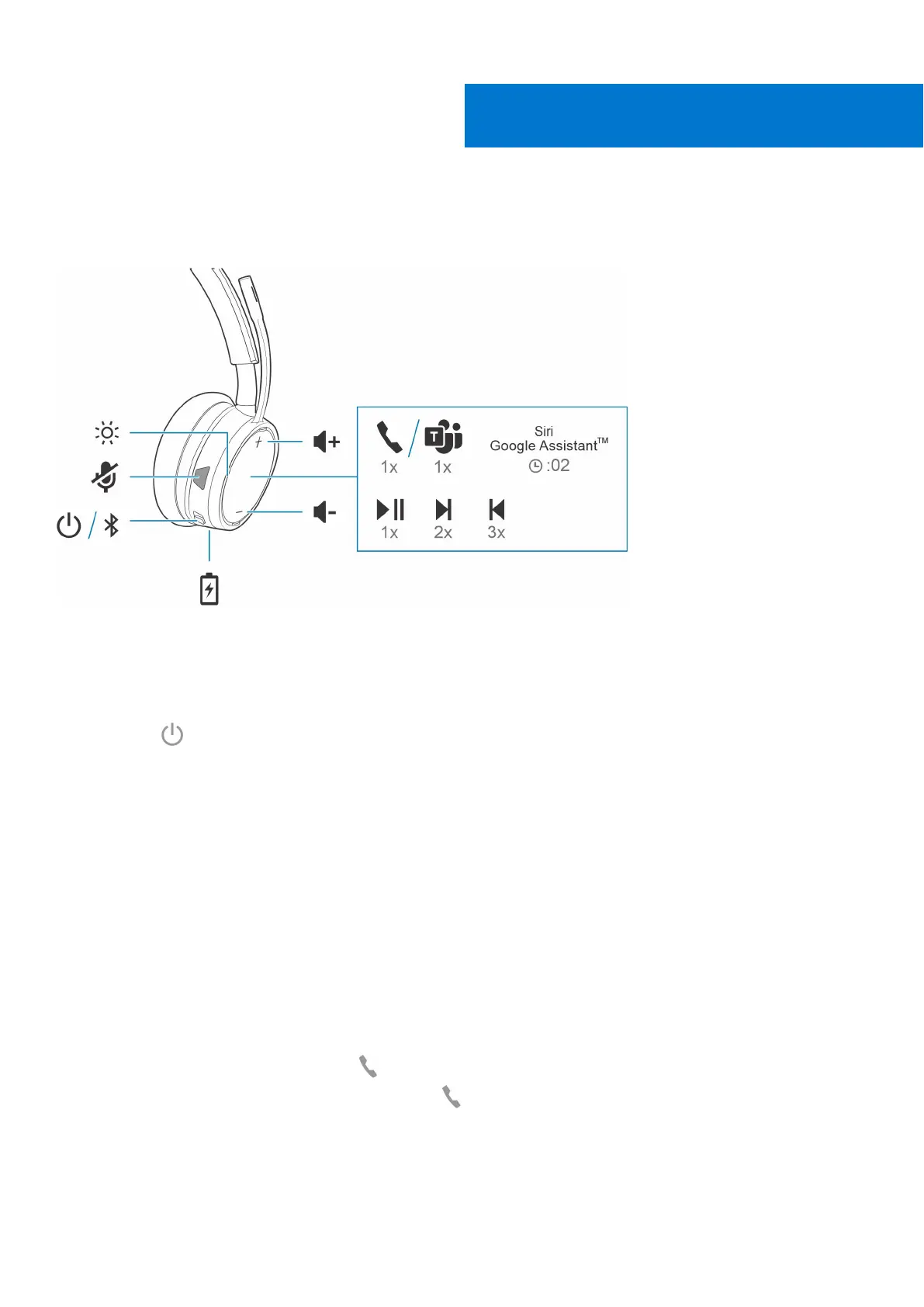
The Basics
About this task
Power on/off
Steps
Slide the switch to power on or off.
Adjust the volume
Steps
Tap the Volume up (+) or down (–) button.
Make/Take/End Calls
Interact with Microsoft softphone
Steps
● For Microsoft Teams, tap the headset's Call
button to interact (application required).
● For Skype for Business, press and hold the headset's Call button for 2 seconds to interact (application required).
● Set your target phone by going to Plantronics Hub for Windows/Mac > Softphones > Software Settings > Target
Softphone
7
The Basics 15



 To Next Page