11
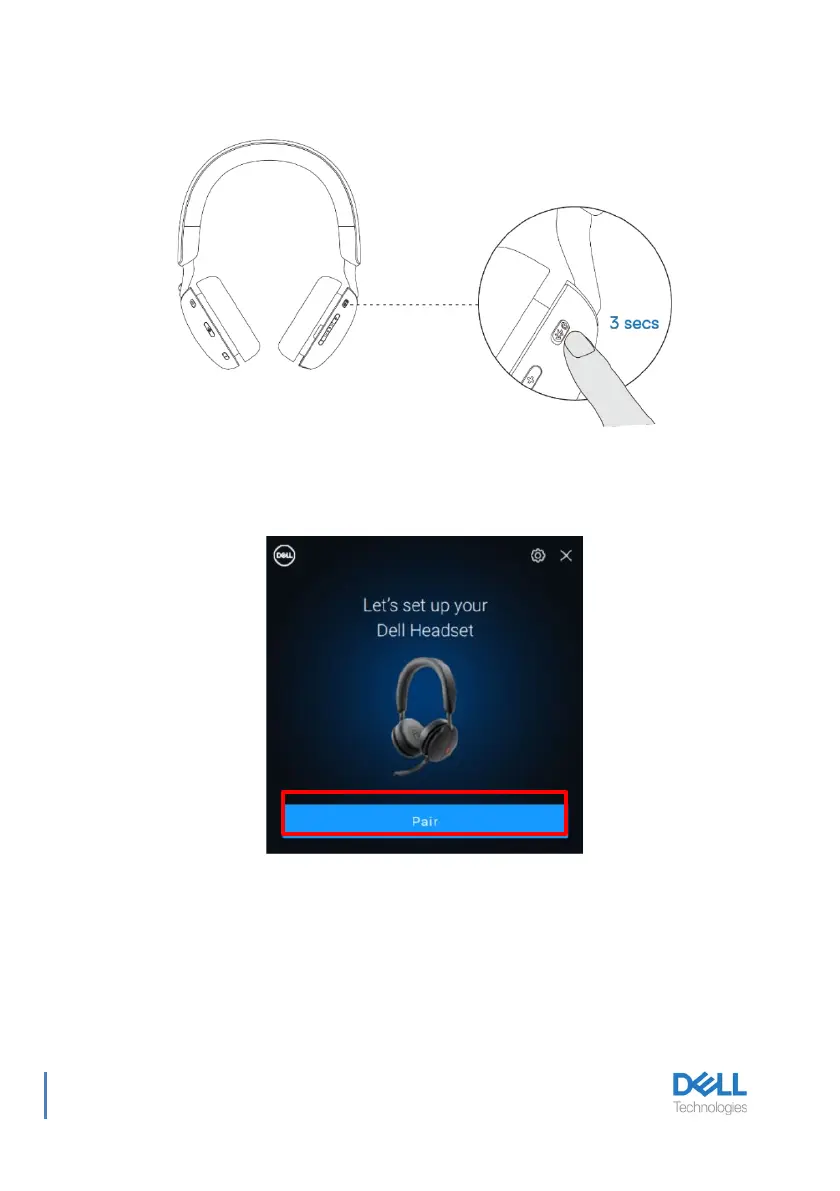
2. Press and hold the power button for 3 seconds, ensuring that the LED blinks blue,
indicating the Bluetooth pairing has been initiated.
3. Dell Pair notifies when a supported device is turned on. Click Pair to begin a seamless
Bluetooth pairing with the device.
4.The wireless headset is ready for use once pairing is successful.



 To Next Page