12
Wireless Audio Receiver connection
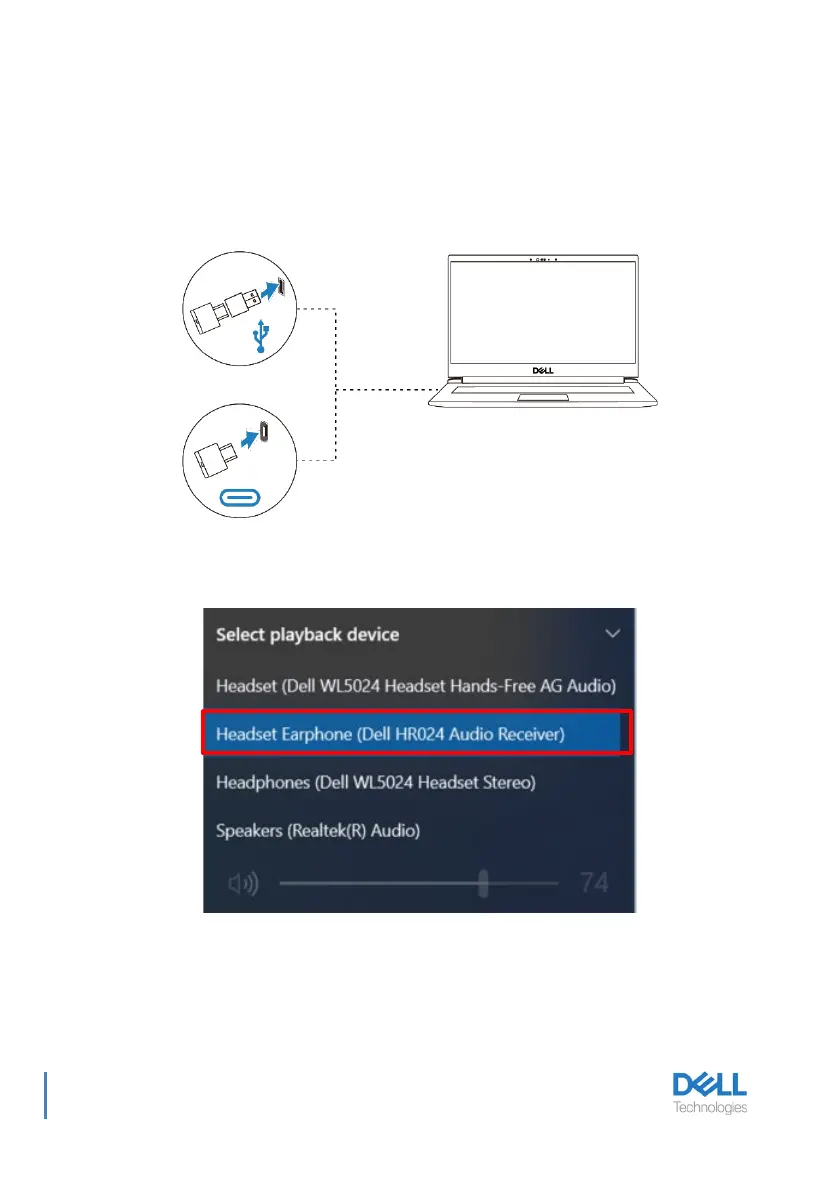
Connect the wireless audio receiver into a USB-A adapter and connect the adapter to the
system or connect the wireless audio receiver directly to the system.
Power LED: lights up blue for 3 seconds and slowly blinks in blue when the headset is
successfully connected to the device.
USB-C Wireless Audio Receiver LED: blinks blue when not connected and lights up blue
when connected.
When the headset is connected to a computer successfully, select “Headset Earphone (Dell
HR024 Audio Receiver)” for playback device.



 To Next Page