Operating the monitor | 37
Operating the monitor
Power on the monitor
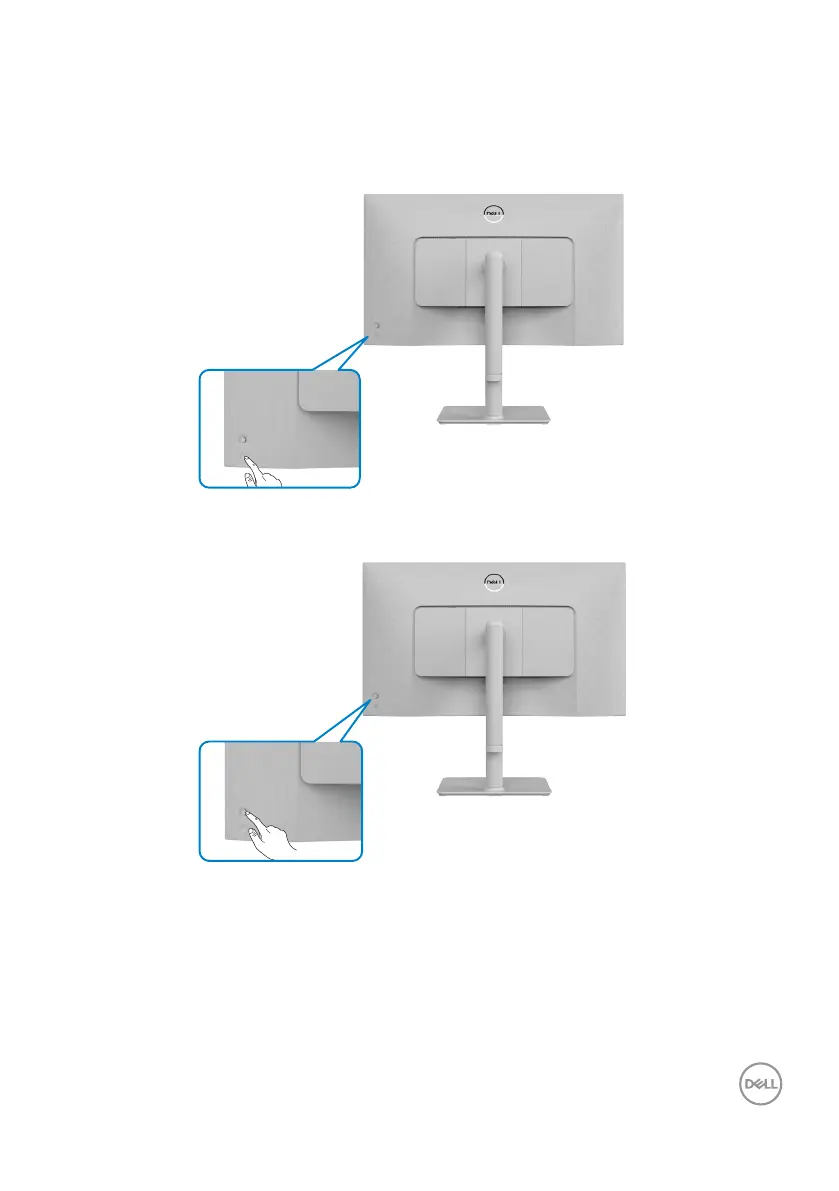
Press the power button to turn on your monitor.
Using the joystick control
To modify the OSD adjustments using the joystick control on the rear end of the
monitor, do the following:
1. Press the joystick button to launch the OSD menu.
2. Move the joystick up/down/left/right to toggle between options.



 To Next Page