Operating the monitor | 39
Menu launcher details
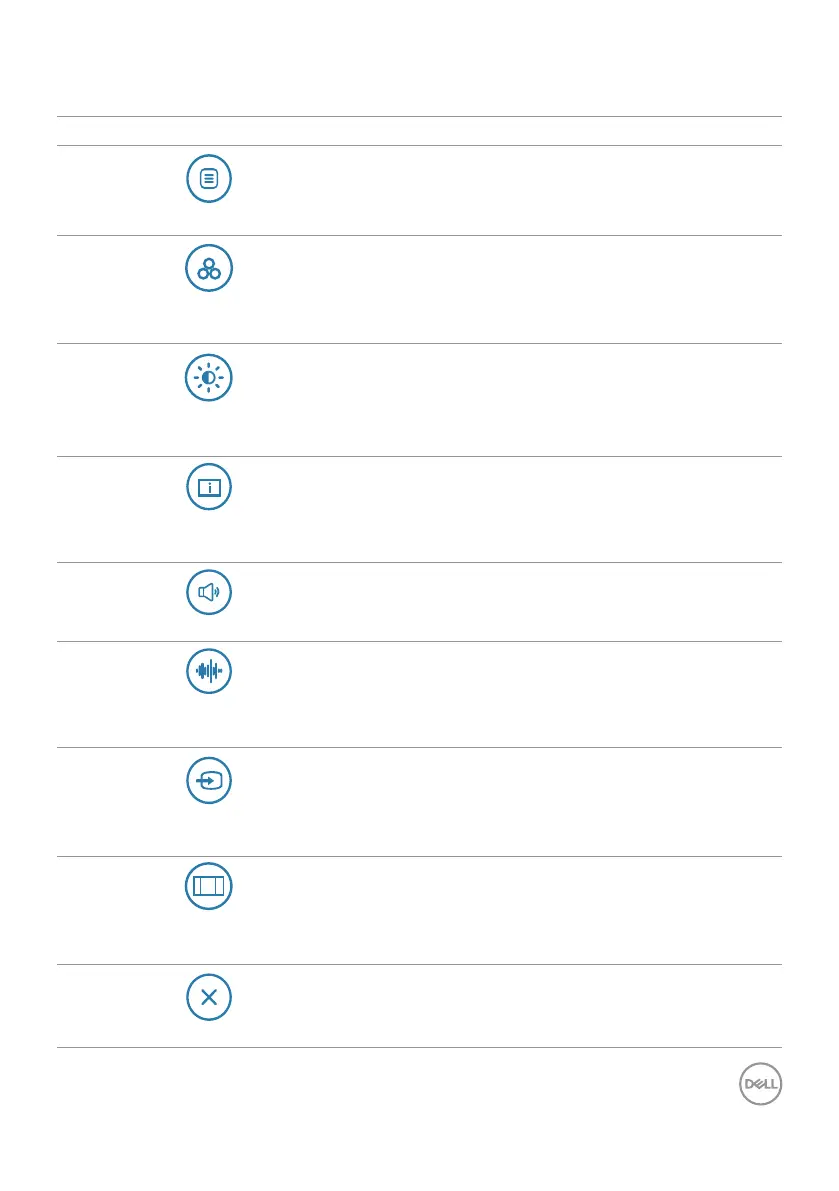
The following table describes the menu launcher icons:
Options Description
Shortcut key: Menu
Use this Menu button to launch the On-Screen
Display (OSD) and select the OSD menu.
Shortcut key:
Preset Modes
Use this button to choose from a list of preset
colormodes.
Shortcut key:
Brightness/Contrast
Use this button to directly access the Brightness/
Contrast adjustment sliders.
Shortcut key:
Display Info
Use this button to choose from a list of Display
Info.
Shortcut key: Volume
Use this button to adjust the volume of the built-in
speakers.
Shortcut key:
Audio Profile
Use this button to choose from a list of Audio
Profile.
Shortcut key:
Input Source
Use this button to choose from a list of Input
Source.
Shortcut key:
Aspect Ratio
Use this button to choose from a list of Aspect
Ratio.
Exit
Use this button to go back to the main menu or
Exit the OSD main menu.



 To Next Page