46 | Operating the monitor
Icon Menu and
Submenus
Description
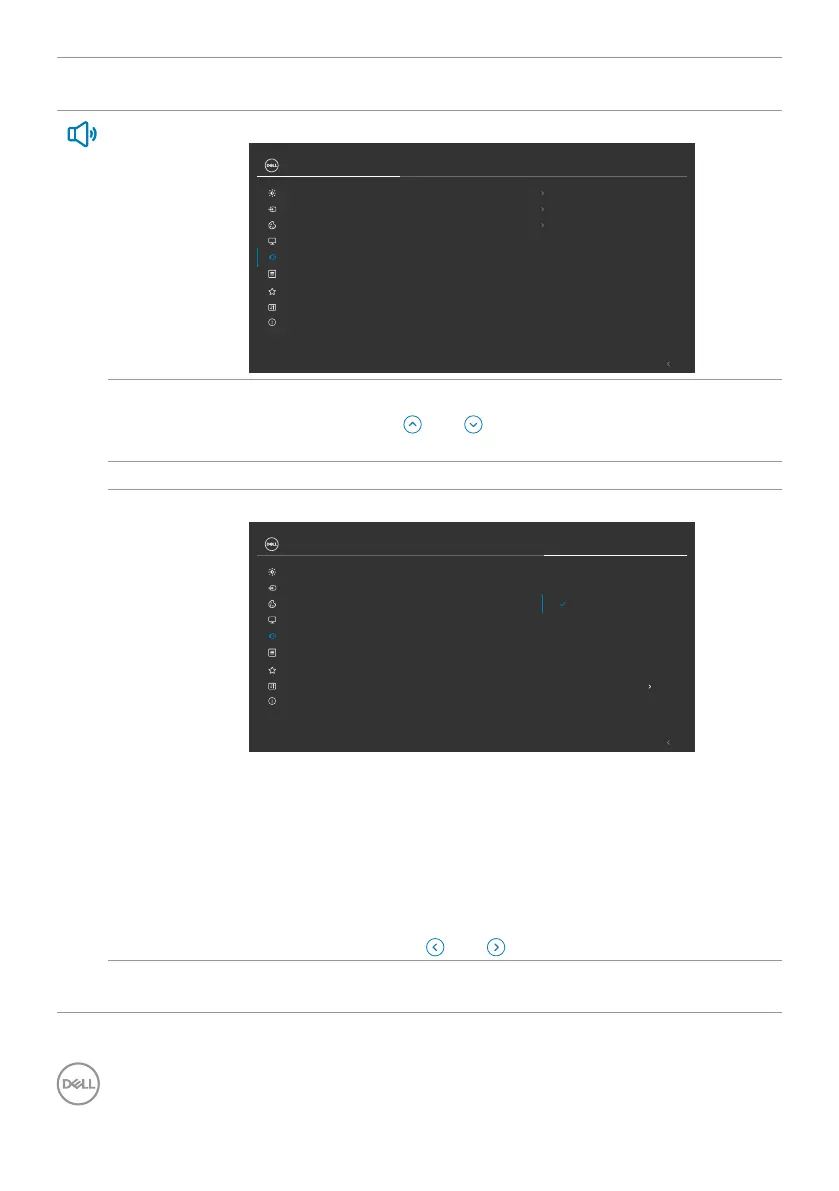
Audio Use the Audio Settings menu to adjust the audio settings.
Speaker
Volume
Exit
Audio Proles
Reset Audio
24/27 Monitor
Input Source
Brightness/Contrast
Color
Display
Personalize
Others
More Information
Menu
Audio
50
On
Standard
Volume Allows you to set the volume level of audio source.
Move the joystick and to adjust the volume from 0 to
100.
Speaker Allows you to turn on or off speaker function.
Audio
Profiles
Expand to show the various audio profiles.
Speaker
Volume
Exit
Audio Proles
Reset Audio
24/27 Monitor
Input Source
Brightness/Contrast
Color
Display
Personalize
Others
More Information
Menu
Audio
Standard
Movie
Game
Music
Voice
Custom Audio
• Standard: Default audio setting.
• Movie: For motion picture viewing.
• Game: For game.
• Music: For music listening.
• Voice: For speech.
• Custom Audio: Allows you to manually adjust the sound.
Move the joystick and to adjust the setting.
Reset Audio Reset all settings under the Audio menu to the factory preset
values.



 To Next Page