Operating the monitor | 49
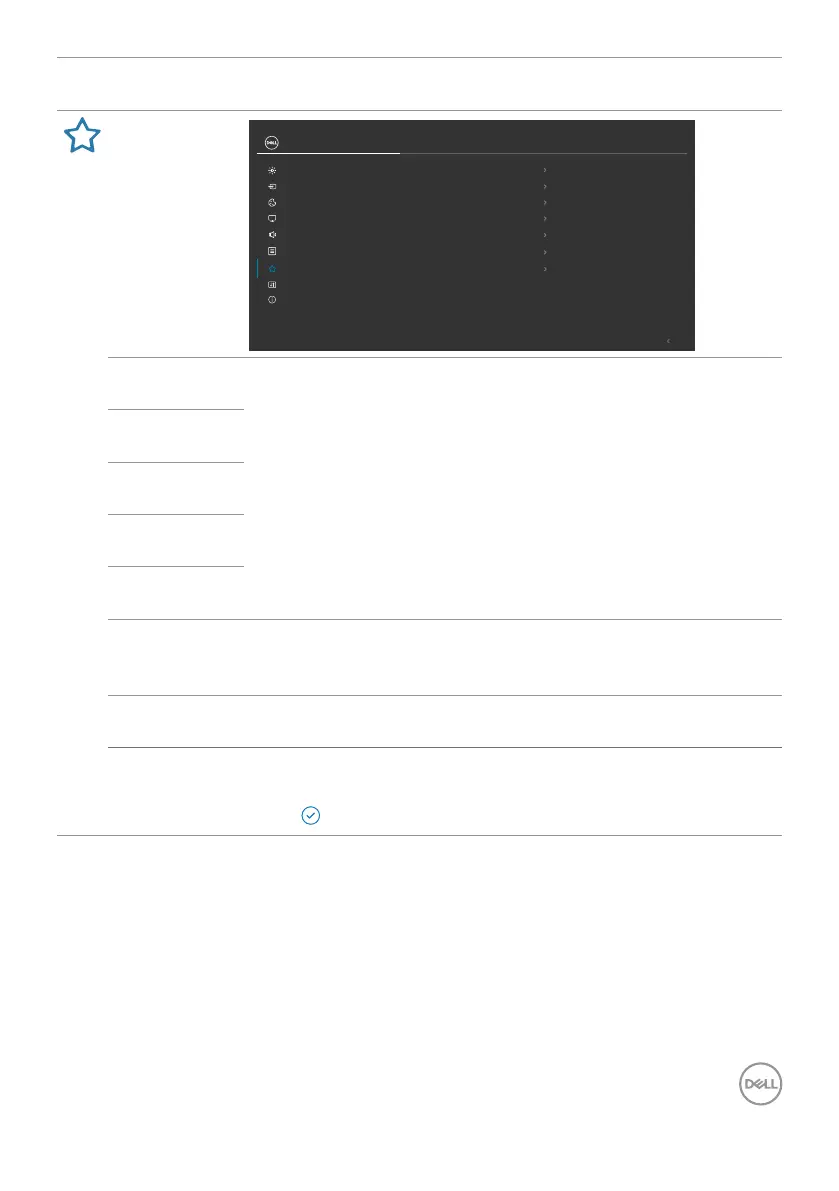
Icon Menu and
Submenus
Description
Personalize
Exit
24/27 Monitor
Input Source
Brightness/Contrast
Color
Display
Personalize
Others
More Information
Menu
Audio
Shortcut Key 1
Input Source
Shortcut Key 2
Color Presets
Shortcut Key 3
Brightness/Contrast
Power Button LED
On in On Mode
Direct Key
On
Reset Personalization
Shortcut Key 4
Volume
Shortcut Key 5
Audio Proles
Shortcut
key 1
Select from Preset Modes, Brightness/Contrast, Input
Source, Display Info, Aspect Ratio, Volume, Audio
Profiles, and Rotation to set as shortcut key.
Shortcut
key 2
Shortcut
key 3
Shortcut
key 4
Shortcut
key 5
Direct Key Allows you to access most frequently used functions as direct
access with key press on Joystick. You can disable this feature
by selecting Off.
Power
Button LED
Allows you to set the state of the power light to save energy.
Reset
Persona-
lization
Reset all settings under the Personalize to the factory
defaults.
Press to select this function.



 To Next Page