48 │ Operating the monitor
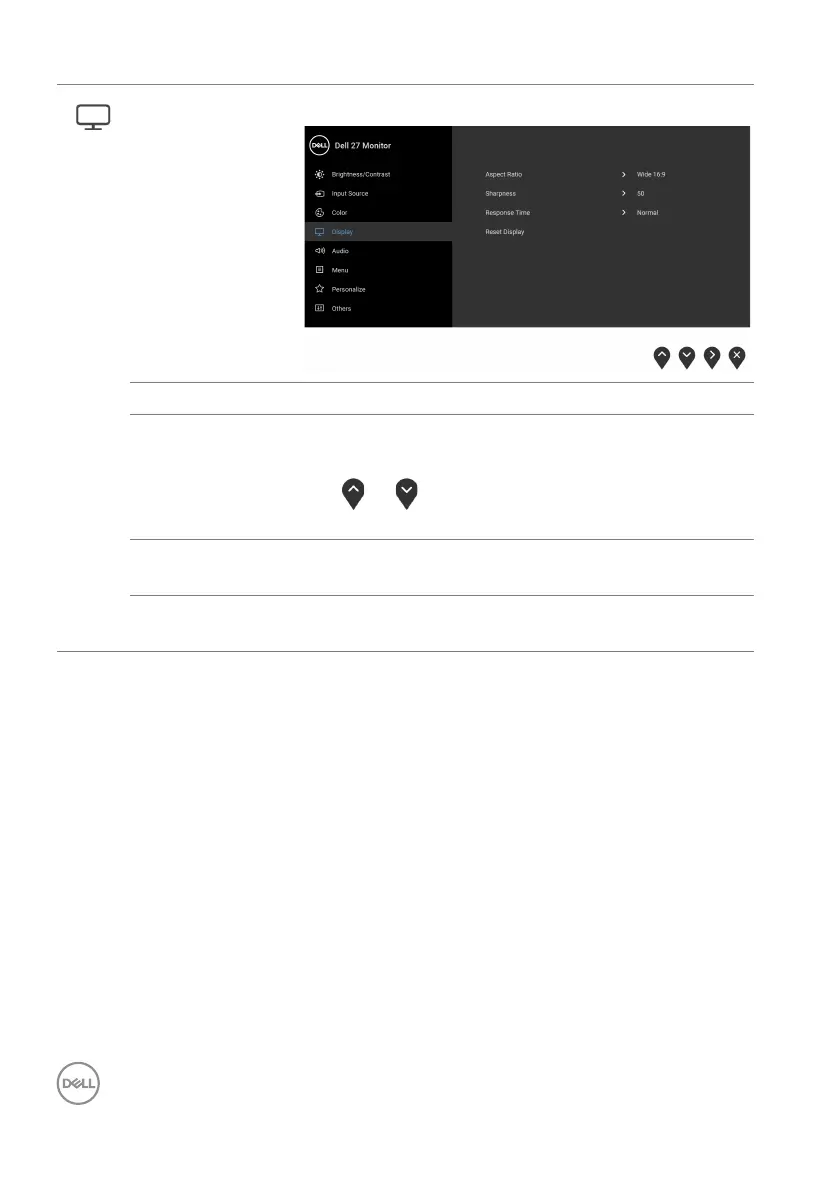
Display Use the Display menu to adjust images.
Aspect Ratio Adjusts the image ratio to Wide 16:9, 4:3, or 5:4.
Sharpness This feature can make the image look sharper or
so
fter.
Use
or to adjust the sharpness from '0' to
'100'.
Response Time Allows you to set the R
esponse Time to Normal,
Fast, or Extreme.
Reset Display Resets all display settings to the factory preset
v
alues.



 To Next Page