Operating the monitor │ 49
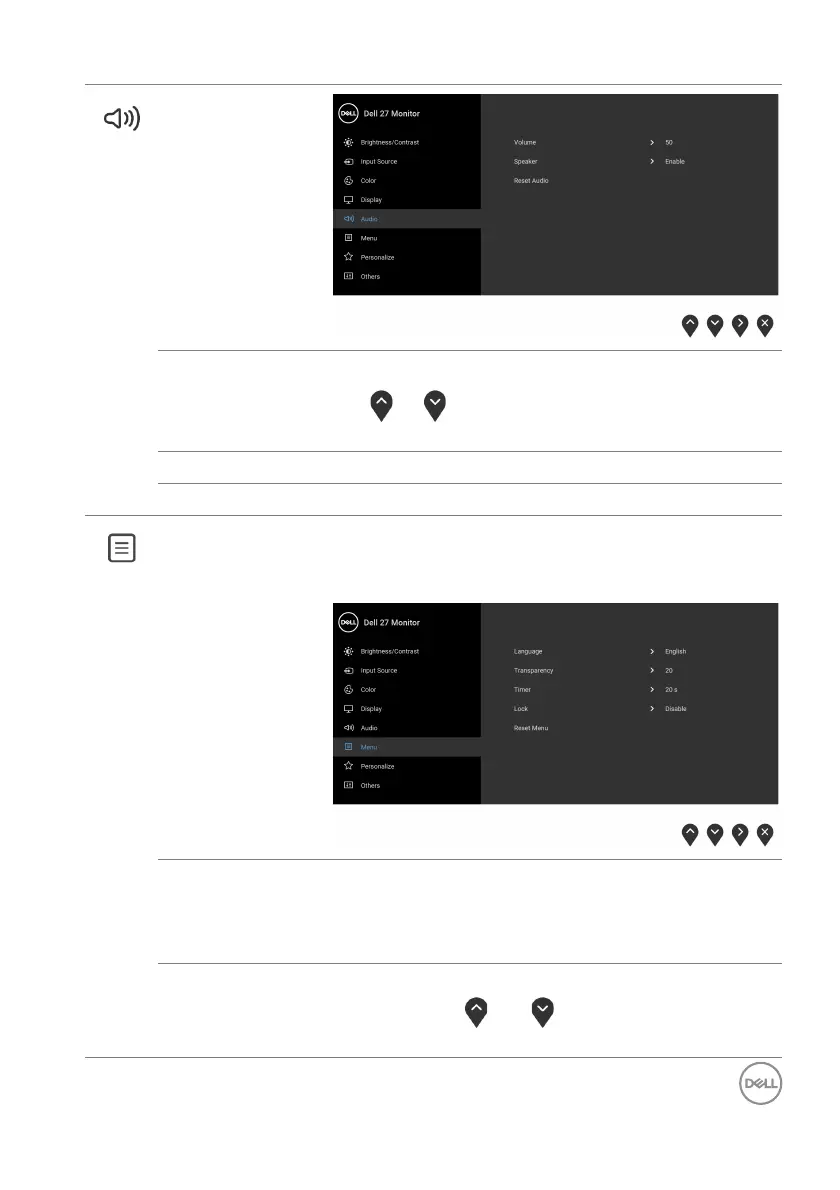
Audio
Volume Allows you to set the volume level of speakers.
Use
or to adjust the volume level from '0' to
'100'.
Speaker Allows you to enable or disable the speaker function.
Reset Audio Select this option to restore default audio settings.
Menu Select this option to adjust the settings of the OSD,
such as, the languages of the OSD, the amount of
time the menu remains on screen, and so on.
Language Sets the OSD display to one of the eight languages
(English, Spanish, French, German, Brazilian
Portuguese, Russian, Simplified Chinese, or
Japanese).
Tra ns parency Select this option to change the menu transparency
by
pressing the
and buttons (min. 0 / max.
100).



 To Next Page