50 │ Operating the monitor
Time r Sets the length of time the OSD will remain active
after the last time you pressed a button.
Use
or to adjust the slider in 1 second
increments, from 5 to 60 seconds.
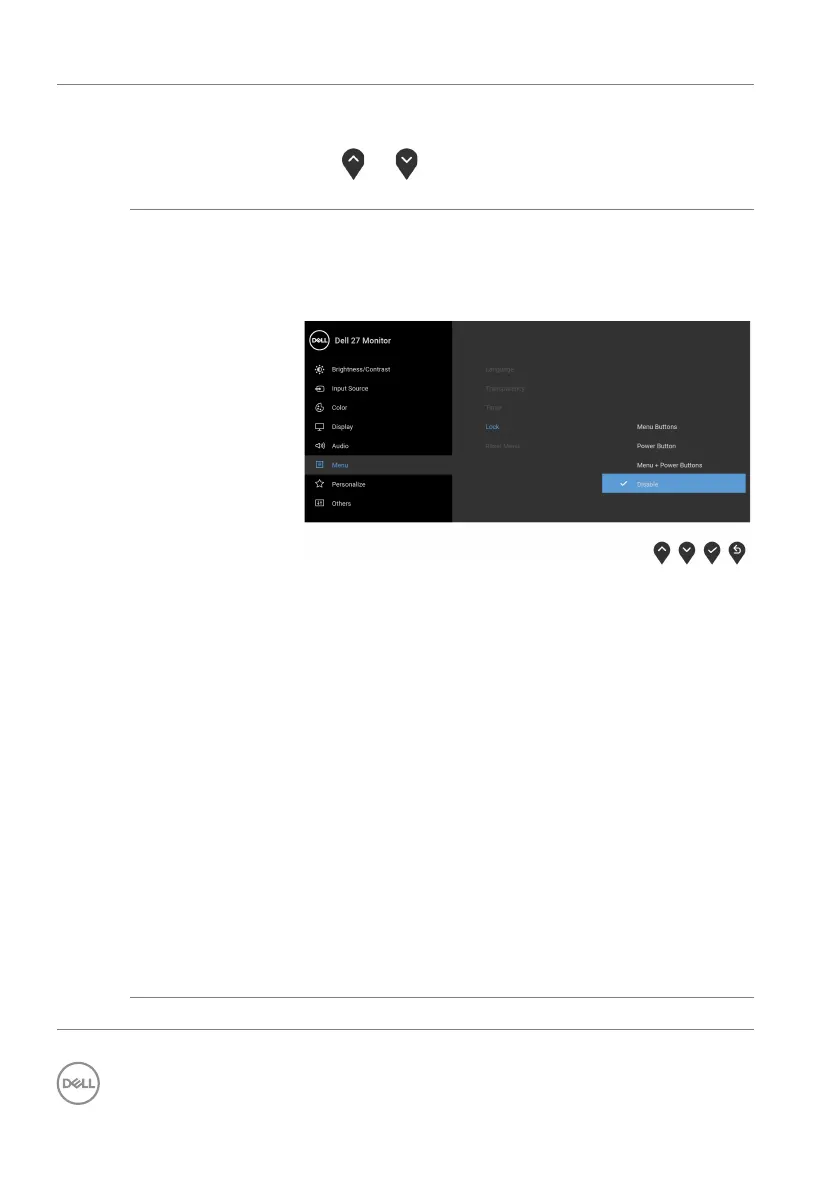
Lock With the control buttons on the monitor locked, you
can
prevent people from accessing the controls. It
also prevents accidental activation in multiple
monitors side-by-side setup.
• Menu Buttons: All Menu/function buttons
(except the Power button) are locked and not
accessible by the user.
• Po
wer Button: Only the Power button is locked
and not accessible by the user.
• Menu
+ Power Buttons: Both the Menu/
function & Power buttons are locked and not
accessible by the user.
The default setting is Disab
le.
Alternative Lock Method [for Menu/function
but
tons]: You can also press and hold the Menu/
function button next to the Power button for 4
seconds to set the lock options.
NOTE: T
o unlock the button(s), press and hold the
Menu/function button next to the Power button for
4 seconds.
Reset Menu Resets all OSD settings to the factory preset values.



 To Next Page