Operating your monitor │ 45
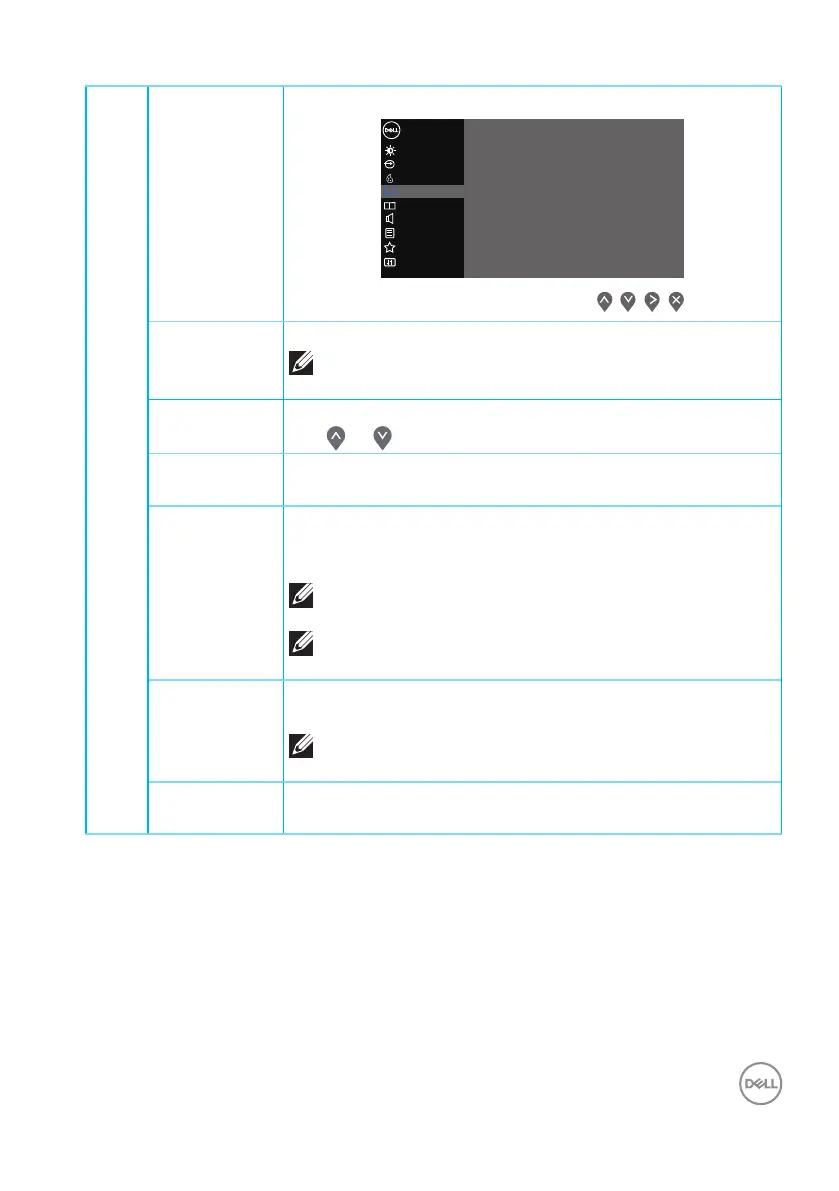
Display Use the display to adjust image.
Input Source
Others
Personalize
Menu
Color
Display
Brightness / Contrast
Dell 32 Monitor
PIP/PBP
Audio
Smart HDR
Reset Display
Dark Stabilizer
Response Time
Sharpness
Aspect Ratio
>
0
>
O
>
Normal
>
50
>
Wide 16:9
Aspect Ratio Adjusts the image ratio to Wide 16:9, 4:3 or 5:4
NOTE: The wide Aspect Ratio is disabled when
the monitor is in PIP/PBP mode.
Sharpness This feature can make the image look sharper or softer.
Use or to adjust the sharpness from 0 to 100.
Response
Time
User can select between Normal, Fast or Extreme.
Dark
Stabilizer
The feature improves the visibility in the dark gaming sce-
narios. The higher the value (between 0 to 3), the better
visibility in dark area of the display image.
NOTE: Dark Stabilizer is turned off when PIP/
PBP is enabled.
NOTE: Dark Stabilizer is turned off when Smart
HDR is activated and HDR content is displayed.
Smart HDR User can select between Desktop, Movie HDR, Game
HDR or Off.
NOTE: Smart HDR is turned off when PIP/PBP
is enabled.
Reset
Display
Resets all display settings to the factory default values.



 To Next Page