60 │ Operating your monitor
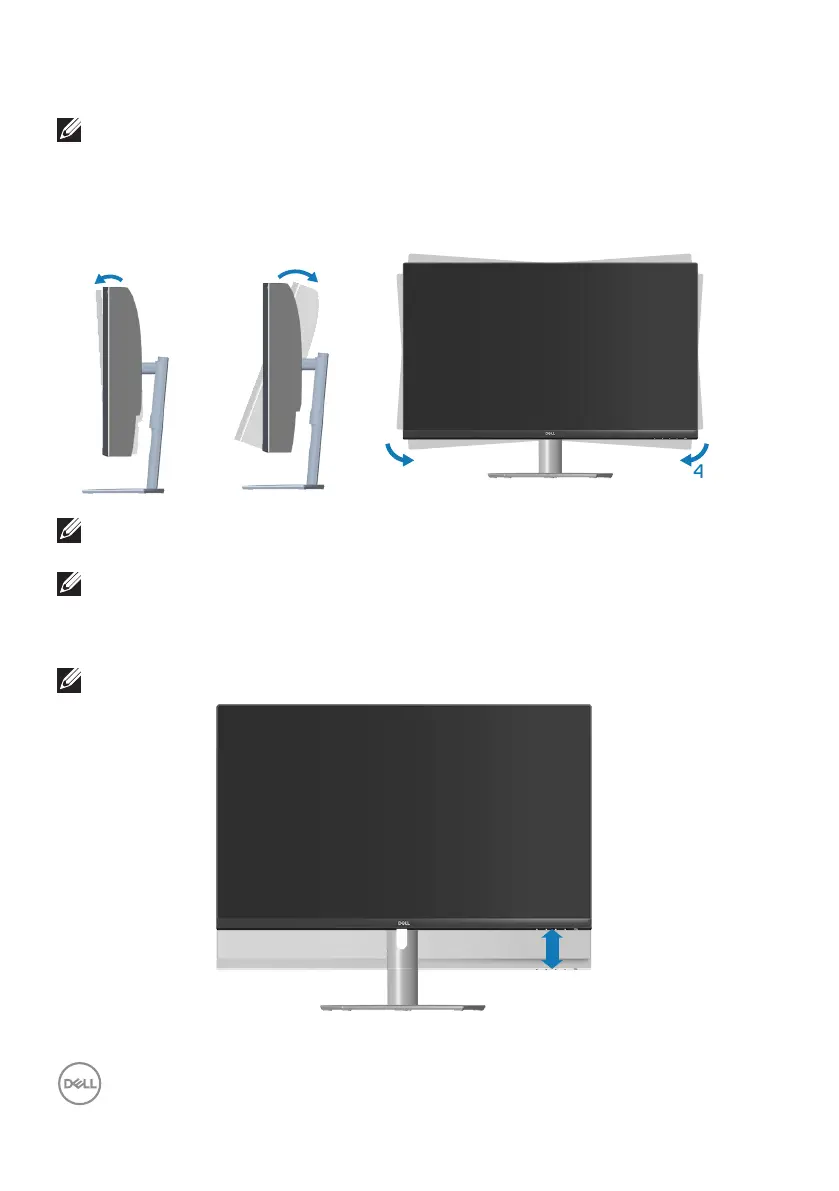
Using the tilt and vertical extension
NOTE: These values are applicable to the stand that was shipped with
your monitor. To set up with any other stand, see the documentation
that shipped with the stand.
Tilt Extension
5°
4°
4°
NOTE: The stand is detached when the monitor is shipped from the
factory.
NOTE: The slant angle of this monitor is between -4° and +4°, it does
not allow pivot movements.
Vertical Extension
NOTE: The stand can be extended vertically up to 70 mm.
70 mm



 To Next Page