16 Adjusting Projector Image
3
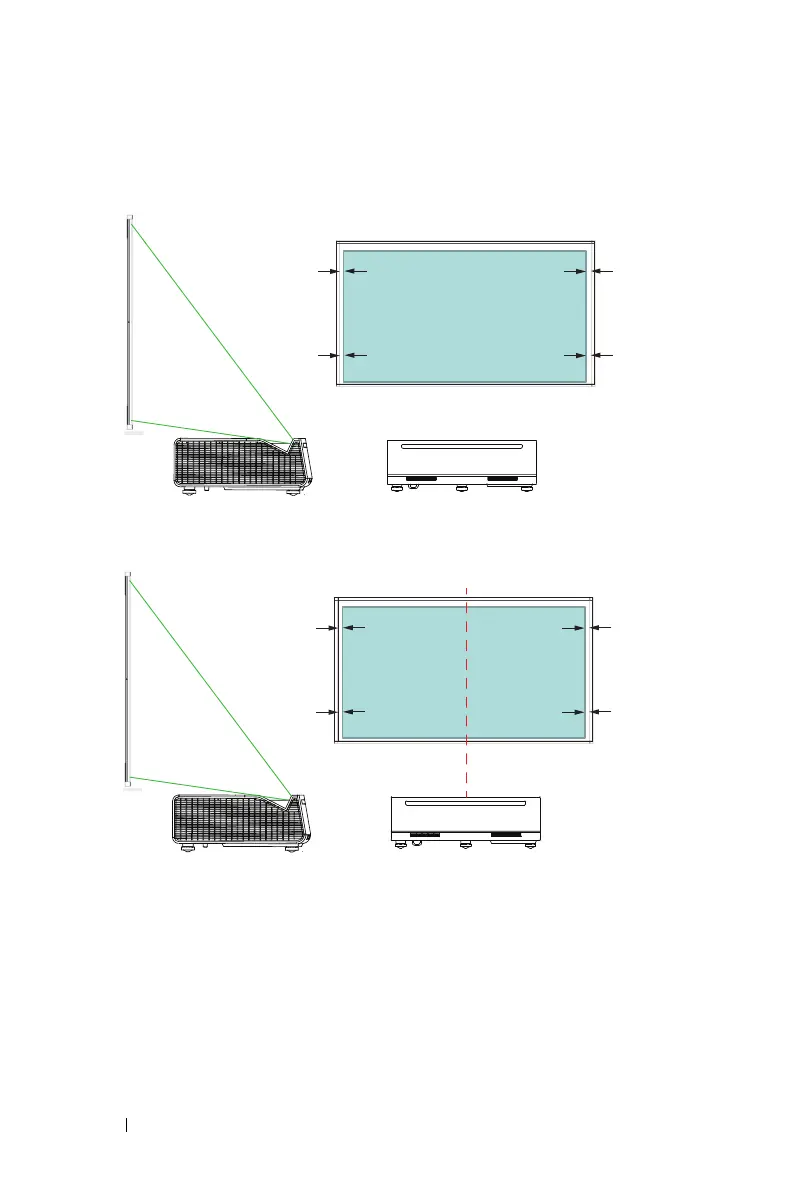
Check that the left and right edges are parallel to the screen.
If you are
unable to align the sides, skip this step and correct this with 4-Corner
adjustment on Page 27 Adjusting Image Corners.
4
Ensure that the rectangle is in the center of the screen (equal distance from
left and right sides of the screen).



 To Next Page