24 Adjusting Projector Image
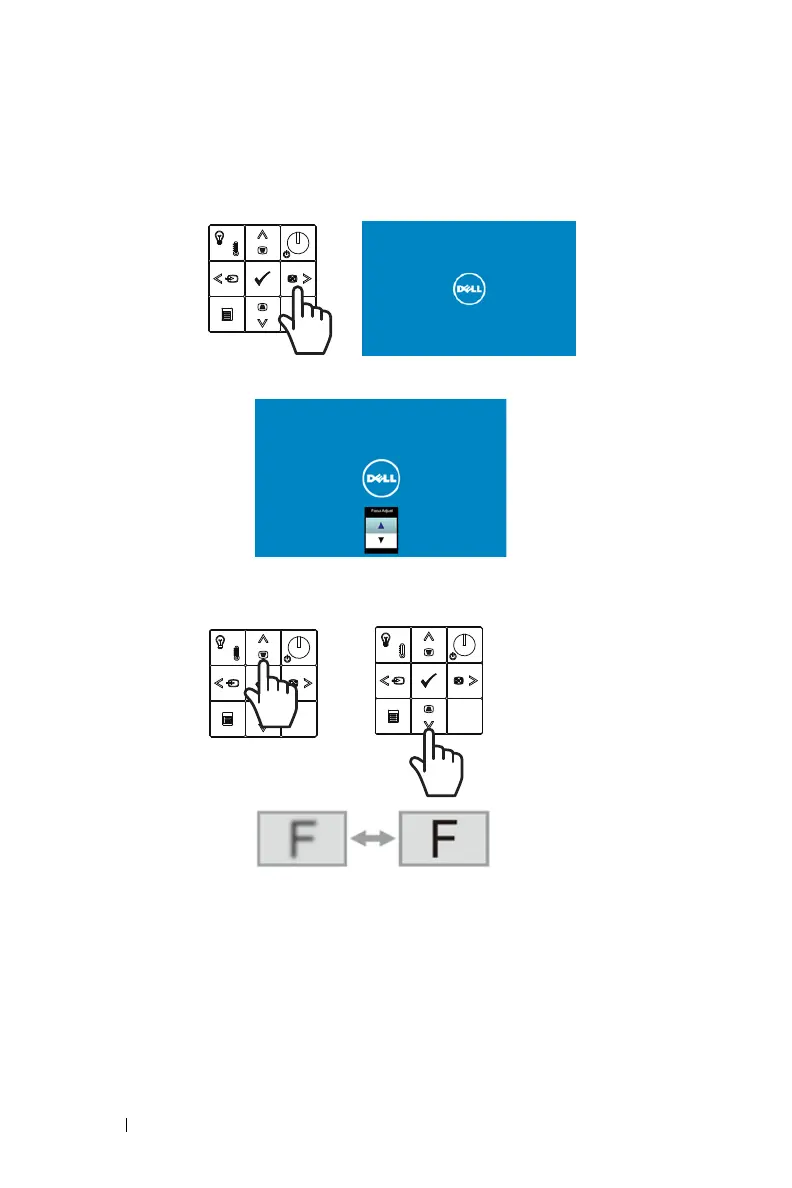
Quick Focus Adjustment
1
With the On-Screen Display (OSD) not shown, press and hold the
right
button
on the projector control panel for 2 seconds.
2
A quick focus adjustment screen will pop up.
3
Adjust the focus of your projected image by pressing the
up and down
buttons
on the projector control panel.



 To Next Page